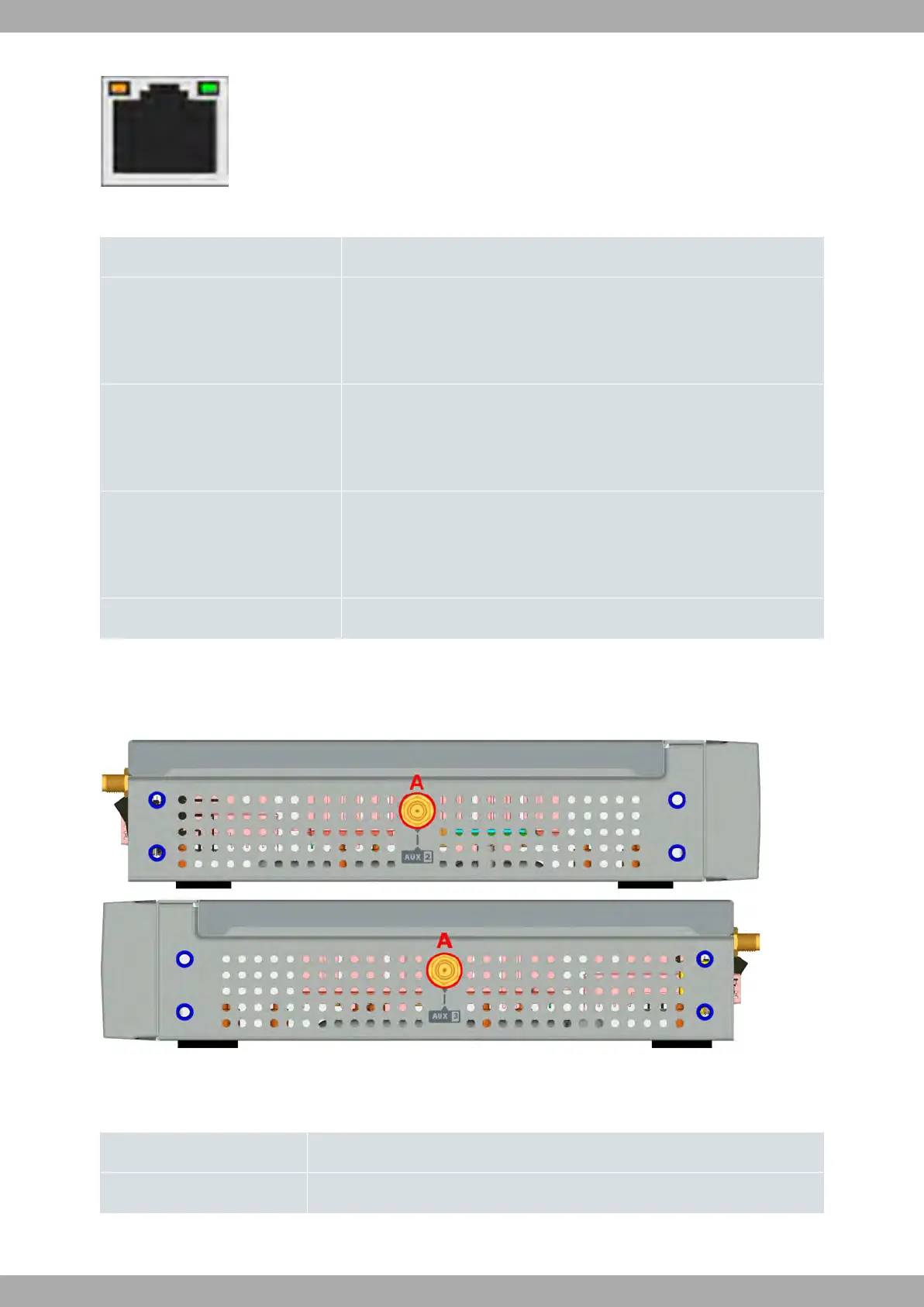
Fig. 18: WAN LEDs
WAN LED indicators
LED Description
Yellow Connected to 10 M:
- Steady: Not transferring data.
- Blinking: Transferring data.
Yellow + Green Connected to 100 M:
- Steady: Not transferring data.
- Blinking: Transferring data.
Green Connected to 1000 M:
- Steady: Not transferring data.
- Blinking: Transferring data.
None Interface is either unavailable, not installed or not registered.
3.1.3 Side Panels
Two antenna connectors are located on the side panels.
Fig. 19: Left and right side panels
The connectors are as follows:
Side panel connectors
Item Description
A Aux 2 and Aux 3 connectors. Reserved for future use.
3 Components and Power Supply Teldat S.A.
10 M8-Smart



 To Next Page