56 www.behnke-online.de
GB
Instructions for Behnke SIP 2.0
Configuration and Set-up
Once you get to the welcome screen, click login
to get to the login page. Standard settings are
as follows:
•
User name: admin
•
Password: admin
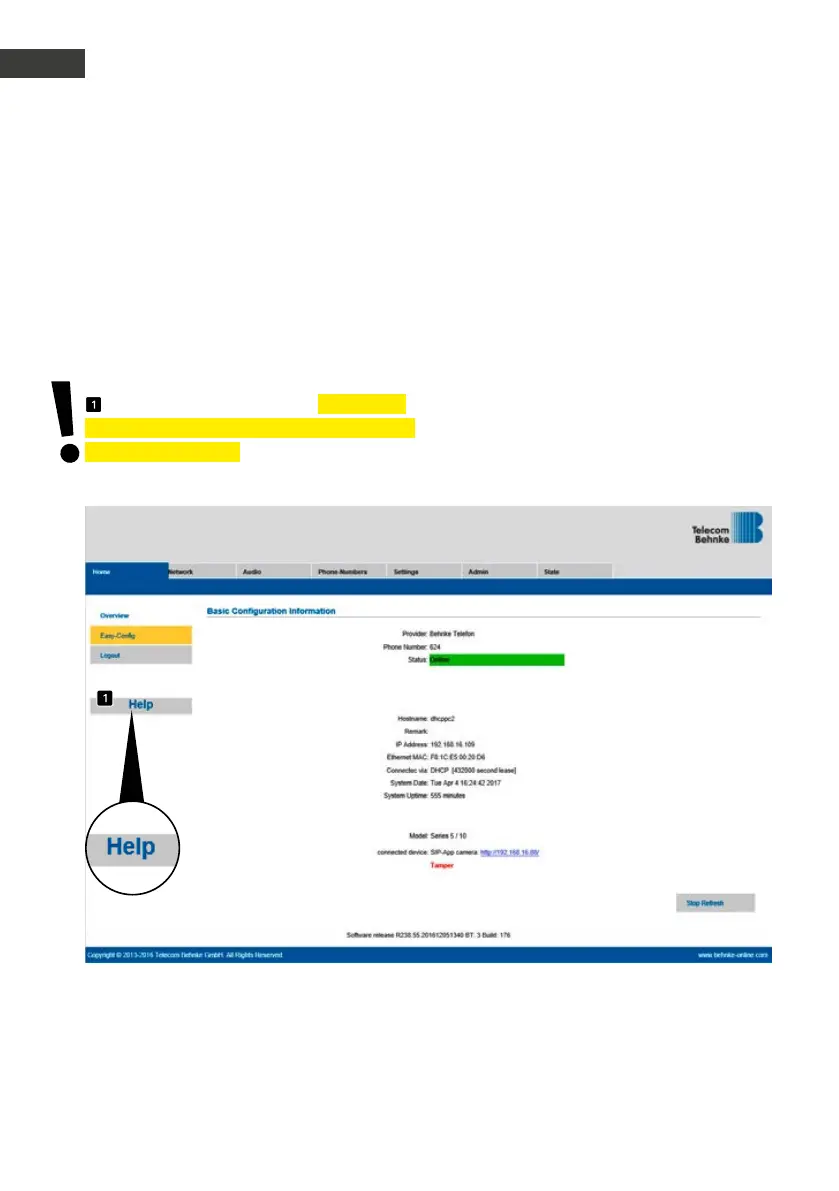
Now you will see the status page for your
Behnke SIP intercom station. You may access
the online help by clicking the "Help" button
in the left column at any time. You will find
additional information on set-up and operation
in the “Help” section .
Please note: In a connected call, you may
change the volume by pressing the following
keys on your phone:
▸
##1 + volume from 1-9
▸
##2 + microphone sensitivity from 1-9
Example:
▸
Set volume to 5:
##15
▸
Set microphone sensitivity to 7:
##27


 To Next Page
 Loading...

