14
Fire Control Panel MAG8 - Installation and Operation Manual
Sounders Enable / Disable
A sound signalization is activated at every Service Mode entering. The
signalization is off by pressing “
SILENCE BUZZER” button.
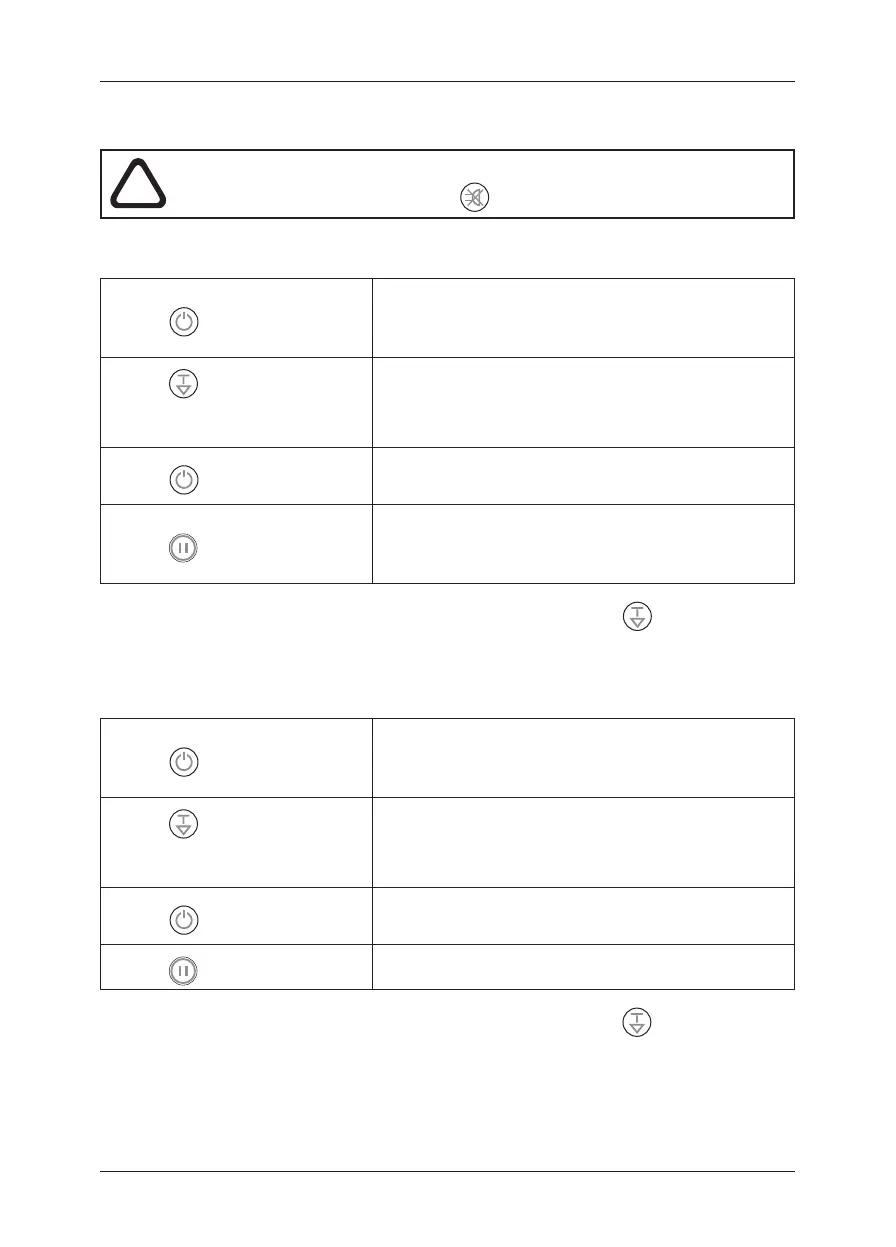
Z To disable the sounders:
• Press ENABLE/ DISABLE:
DISABLE/ ENABLE LED blinks.
The ZONE 1 yellow LED blinks if ZONE 1 is en-
abled and lights permanently if ZONE 1 is disabled.
• Press
TEST/ SCROLL, un-
til you reach the last zone in the
system:
The SOUNDER FAULT/DISABLE LED will start
blinking.
• Press
ENABLE/ DISABLE:
The SOUNDER FAULT/DISABLE LED lights up
permanently.
• Press
RESET:
The SOUNDER FAULT/DISABLE and ENABLE/
DISABLE LEDs light up permanently.
At this step the sounders are disabled.
You can exit the sounder disabling mode also by pressing the “
TEST/ SCROLL”
button, as in that case the you reject the procedure.
Z To enable the sounders:
• Press ENABLE/ DISABLE:
DISABLE/ ENABLE LED blinks.
The ZONE 1 yellow LED blinks if ZONE 1 is en-
abled and lights permanently if ZONE 1 is disabled.
• Press
TEST/ SCROLL, un-
til you reach the last zone in the
system:
The SOUNDER FAULT/DISABLE LED lights up
permanently.
• Press
ENABLE/ DISABLE:
The SOUNDER FAULT/DISABLE LED will start
blinking.
• Press
RESET:
At this step the sounders are enabled.
You can exit the sounder enabling mode also by pressing the “
TEST/ SCROLL”
button, as in that case the you reject the procedure.














 To Next Page