13
Fire Control Panel MAG8 - Installation and Operation Manual
16. Operating Instructions
16.1 Sound Signalization
Signal Description
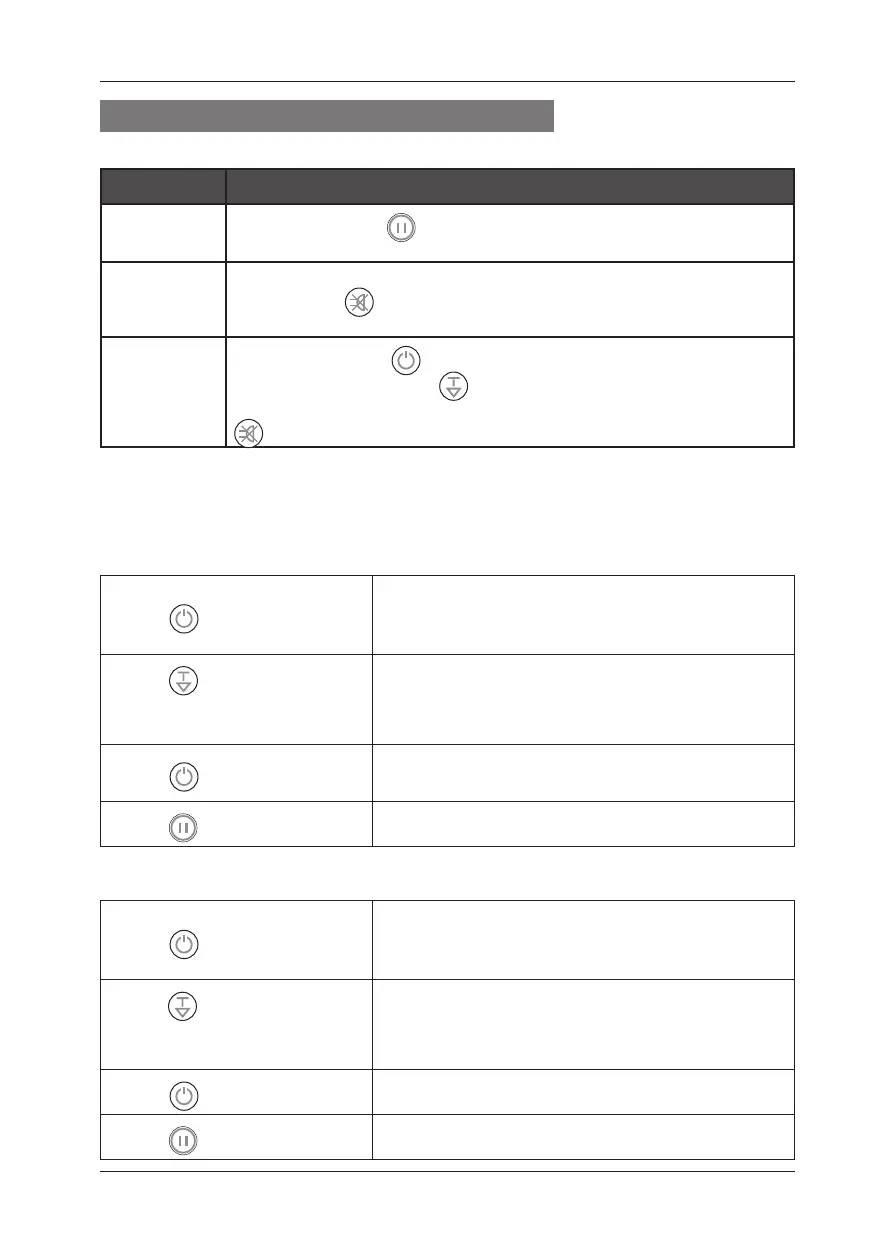
Short beeps
After pressing the “
RESET” button and upon the initial start-up of
the panel.
Continuous
beep
Fire and/ or Fault operating mode. The signal can be stopped by
pressing the “
SILENCE BUZZER” button, but the LED indication
remains.
Interrupted
beep
After pressing the “
ENABLE/DISABLE” button to enable/disable
zones/sounders and the “
TEST/SCROLL” button to access “One
Man” test mode of zones. The signal can be stopped by pressing the “
SILENCE BUZZER” button, but the LED indication remains.
16.2 Service Modes
Zone Enable / Disable
Each zone of MAG8 can be enabled or disabled.
Z To disable a zone:
• Press ENABLE/ DISABLE:
DISABLE/ ENABLE LED blinks.
The ZONE 1 yellow LED blinks if ZONE 1 is en-
abled and lights permanently if ZONE 1 is disabled.
• Press
TEST/ SCROLL, un-
til you reach the zone which has
to be disabled:
The respective zone yellow LED blinks.
• Press
ENABLE/ DISABLE:
The yellow LED of the disabled zone lights up per-
manently.
• Press
RESET:
At this step the zone is disabled.
Z To enable a zone:
• Press ENABLE/ DISABLE:
DISABLE/ ENABLE LED blinks.
The ZONE 1 yellow LED blinks if ZONE 1 is en-
abled and lights permanently if ZONE 1 is disabled.
• Press
TEST/SCROLL, until
you reach the zone which has to
enable:
The yellow LED of the disabled zone lights up per-
manently.
• Press
ENABLE/ DISABLE:
The yellow LED of the enabled zone blinks.
• Press
RESET:
At this step the zone is enabled.














 To Next Page