SIMPO - BASIC INFORMATION
Page 11 of 48
Simpo Addressable Panel
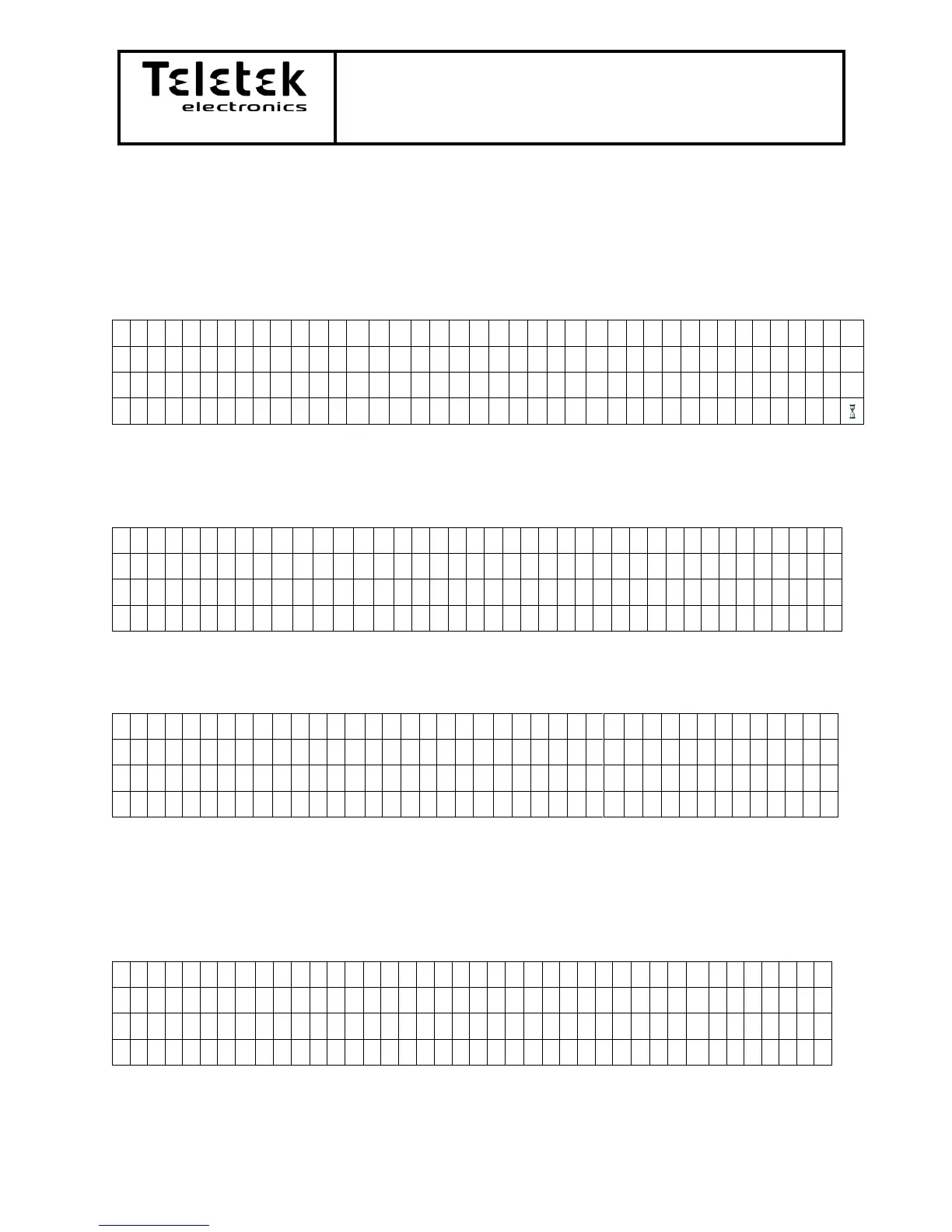
2.4) Access Level Menus and Initial Screan – the LCD panel is 4 rows, 40 symbols per row.
2.4.1) Starting Screen – the system is performing its initial start and is searching for new
devices.
2.4.2) Access Level 1 Screen – the initial screen after first start, reset or exiting from Access
levels 2 or 3. After saving the devices to the system „Installation mode” will disappear
and will appear “Active mode”. Only silence buzzer is active.
If any other button then the number buttons or “Silence Buzzer” is pressed the following
message will appear:
After valid code the command which was requested will be performed.
2.4.3) Access Level 2 Screen (Maintenance) – the user has to press any number button for
code introduction.
Press any number button from the front panel:
Introducing code : 2222 from the front panel’s number buttons and hit “Enter”.














 To Next Page