EasyManua.ls Logo

Teletek electronics SIMPO - Installer; Changing Codes; Menu General Settings; Submenu Relay Outputs

Teletek electronics SIMPO
48 pages
Print Icon
To Next Page IconTo Next Page
To Previous Page IconTo Previous Page
Loading...
SIMPO - BASIC INFORMATION
Page 31 of 48
Simpo Addressable Panel
The status of the output can be DISABLED and ENABLED.
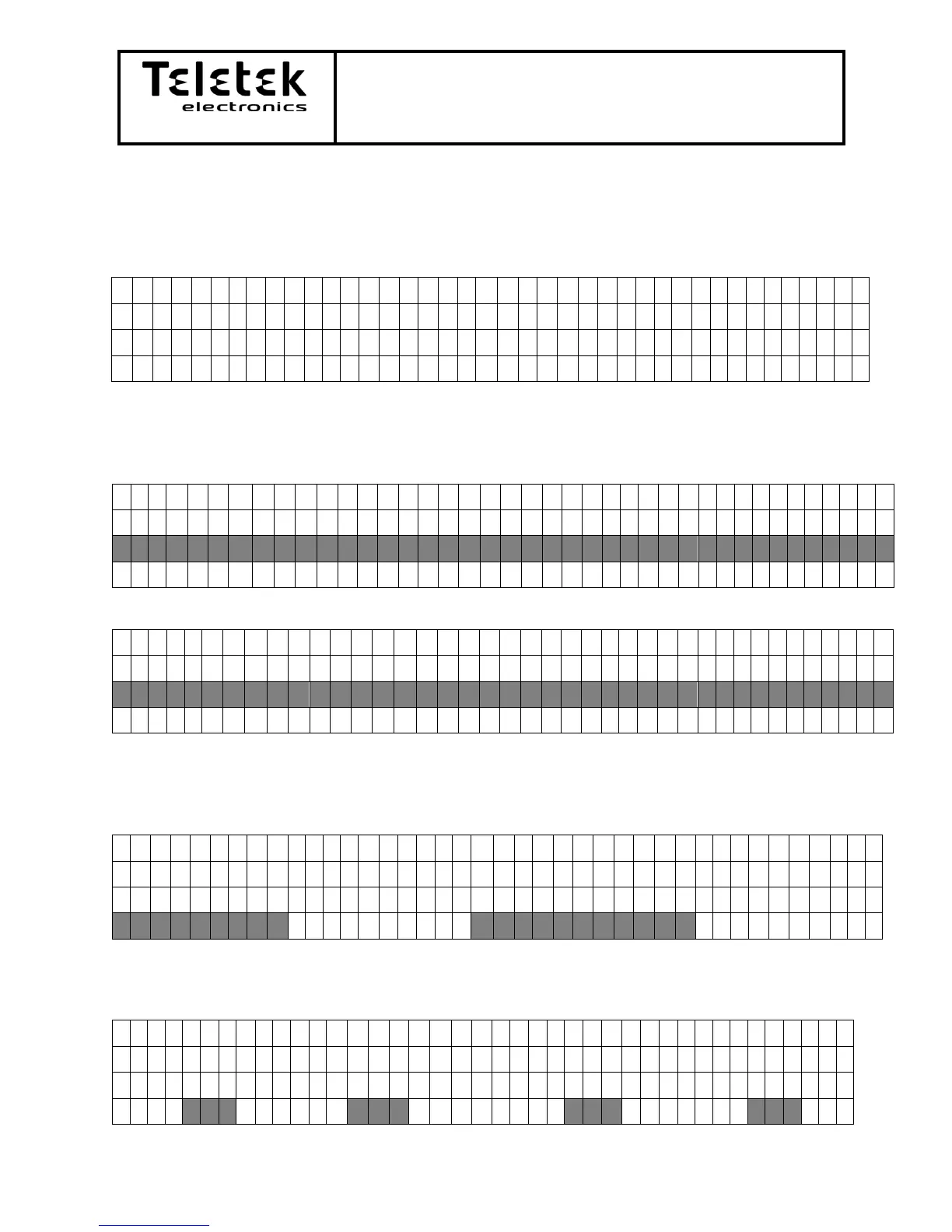
- Submenu Relay Outputs:
R
E
L
A
Y
O
U
T
P
U
T
S
S
e
l
e
c
t
u
s
i
n
g


a
n
d
E
n
t
e
r
R
E
L
A
Y
:
0
1
The programming is identical to the programming of the MIO module’s outputs. See
page number 25
2.5.6) Menu General Settings: Menu for common settings of the panel.
I
N
S
T
A
L
L
E
R
A
C
C
E
S
S
L
E
V
E
L
5
)
P
A
N
E
L
O
U
T
P
U
T
S

6
)
G
E
N
E
R
A
L
S
E
T
T
I
N
G
S
7
)
N
E
T
W
O
R
K

- Submenu Access Codes: menu for changing the access codes.
I
N
S
T
A
L
L
E
R
A
C
C
E
S
S
L
E
V
E
L
6
.
6
)
S
O
U
N
D
E
R
S
M
O
D
E

6
.
1
)
A
C
C
E
S
S
C
O
D
E
S
6
.
2
)
T
I
M
E
/
D
A
T
E

Changing codes:
A
c
c
e
s
s
C
o
d
e
s
C
h
o
o
s
e
L
e
v
e
l
I
N
S
T
A
L
L
E
R
M
A
I
N
T
E
N
A
N
C
E
Access level is selected via the front panel’s number buttons.
Installer:
I
n
s
t
a
l
l
e
r
A
c
c
e
s
s
C
o
d
e
U
s
e
t
h
e
b
u
t
t
o
n
s
C
H
A
N
G
E
:
*
*
*
*
1
2
3
4

Table of Contents

Other manuals for Teletek electronics SIMPO

Related product manuals