SIMPO Addressable Fire Alarm Panel – Maintenance Menus
9
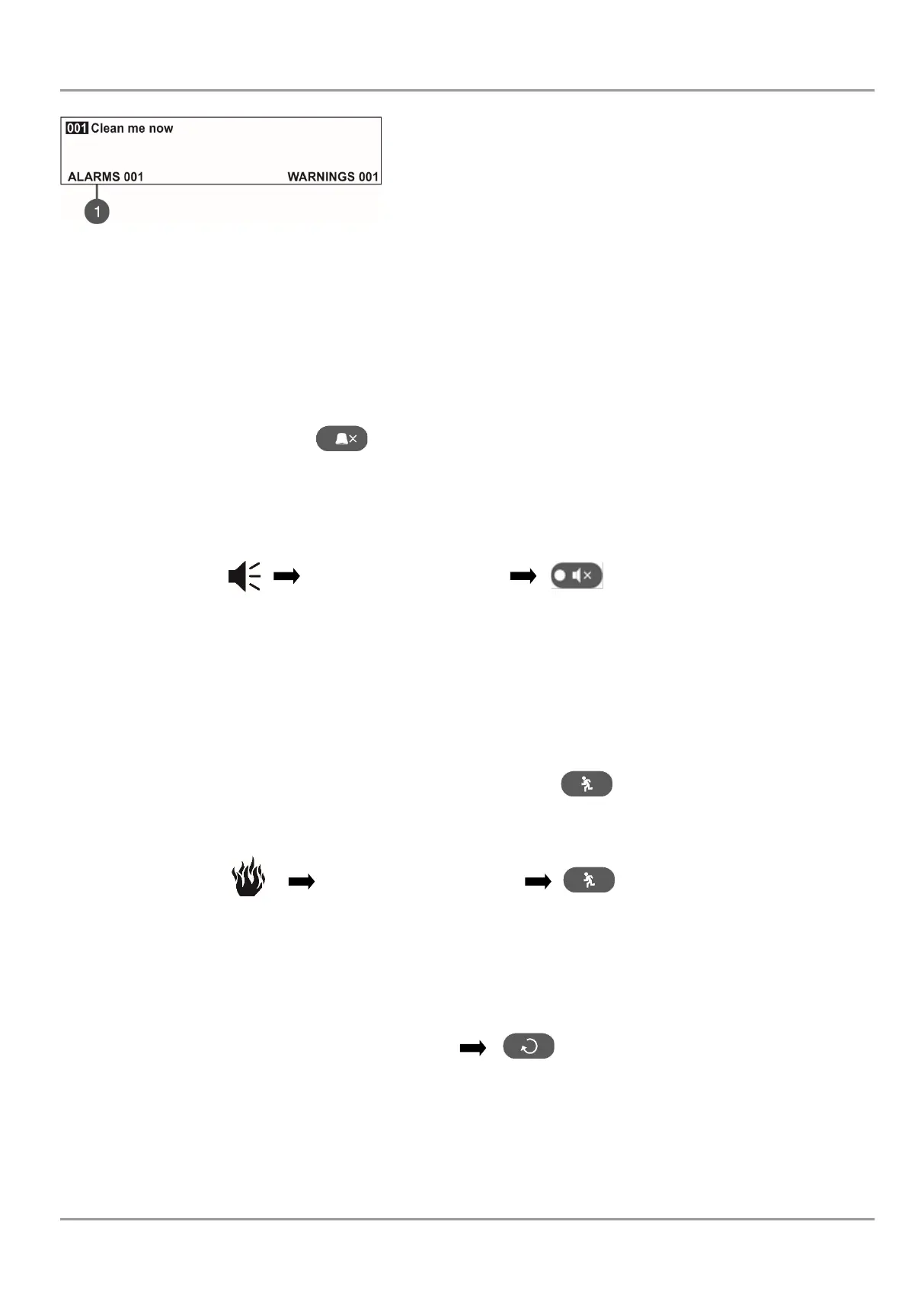
After choosing the button (3) WARNINGS the screen displays:
To exit the review warning messages mode, press CANCEL button.
NOTE: If you are setting parameters at Access Level 2 (Maintenance) and there is an alarm or fault event in the system,
the panel will automatically display a list with messages. After reviewing the events, you can return to the programming
mode with single pressing the CANCEL button.
2.6. Silencing the Internal Buzzer
The internal buzzer of addressable fire alarm panel SIMPO is signalling in case of activated alarm or fault events in the
system. The buzzer silencing is available from every access level without code entry.
To silence the internal buzzer press button.
2.7. Silencing the Sounders
The sounders silencing is available from access level 2 (Maintenance).
To silence the sounders, enter in sequence:
The LED ‘Silence sounders’ right to the button is lighting up.
To reset the panel in normal operation mode press ‘Reset’ button.
2.8. Activate Evacuation
The evacuation alert is available for activation from every access level regarding the following:
• Level 1: Just for that cases, when the fire alarm signal is received from a detector in a zone.
To start the sounders for evacuation alert, the user has to press the button.
• Level 2: In case there is no fire alarm signal from a detector in a zone.
To start the sounders for evacuation alert, the user has to enter in sequence:
2.9. Resetting the Panel
The resetting of the panel’s current state is available from access level 2 after code entry. The resetting function is used
for initializing the panel and return to normal operation mode after alarm or fault restoring.
To reset the panel, enter in sequence:
After resetting are cleared also all introduced earlier test in zones and disablements. The introduced delays are not
cleared. The panel returns to normal operation mode.
* Note: The default combination for Maintenance code is 2222!
The Maintenance code for your panel can be different!














 To Next Page