28
High De nition TV Satellite Receiver
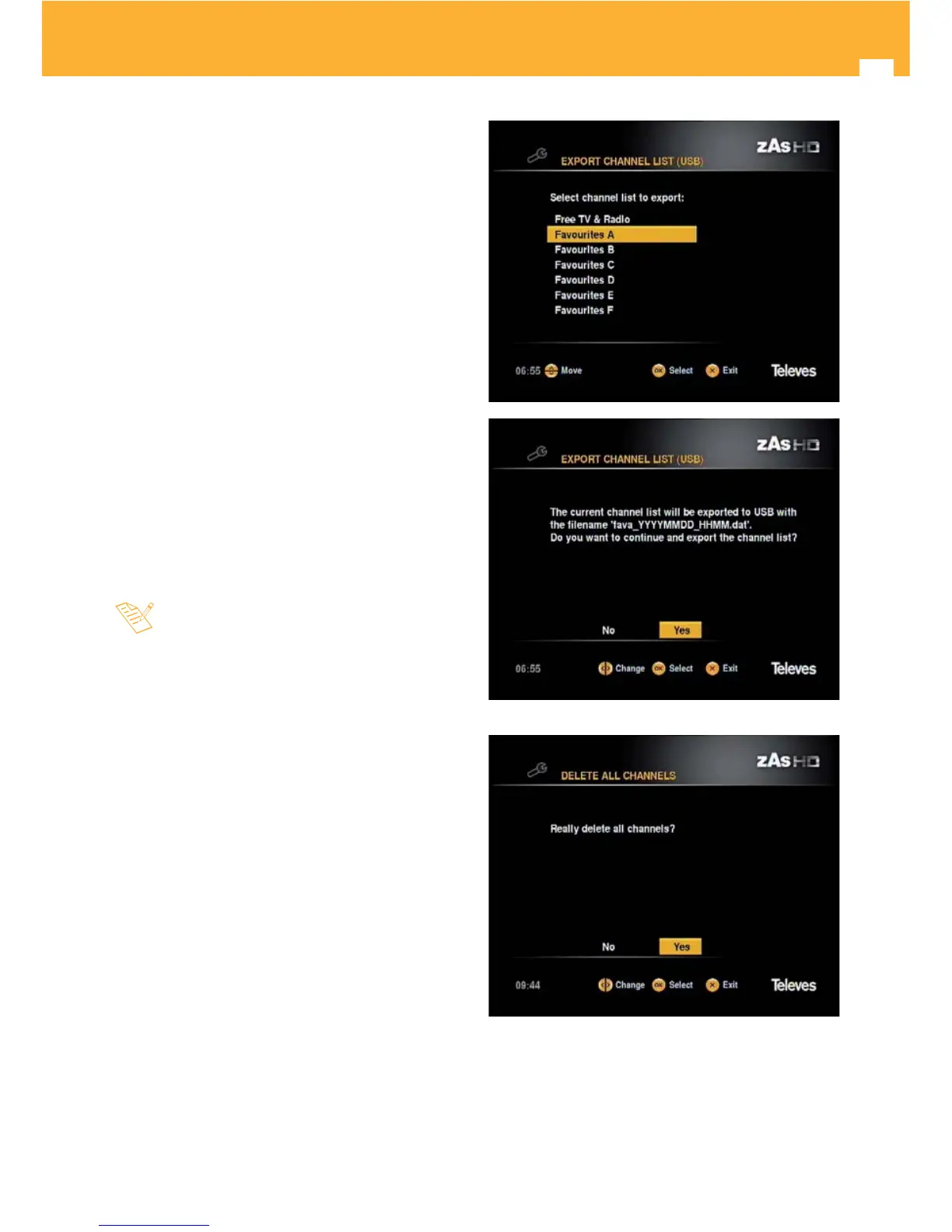
Export channel list (USB)
If you want to have your channel list on other receivers
without having to search, export it.
Connect a memory stick (pen drive) FAT 32 to the
receiver (front USB connector).
Select “Export channel list (USB)” option and press OK.
Select the list you want to export and press OK.
Move the cursor to “YES” and press OK.
The ZAS HD SAT shall record the channel list of the
memory stick.
The recording may take a few moments. Please wait.
Delete all channels
To delete all channels from the list of your receiver, select
the “Delete all channels” option and press OK.
- Con rm delete the list of channels by moving the cursor
to “YES” and press OK.
- To watch the channels you will need to perform a
new search.



 To Next Page