33
EN
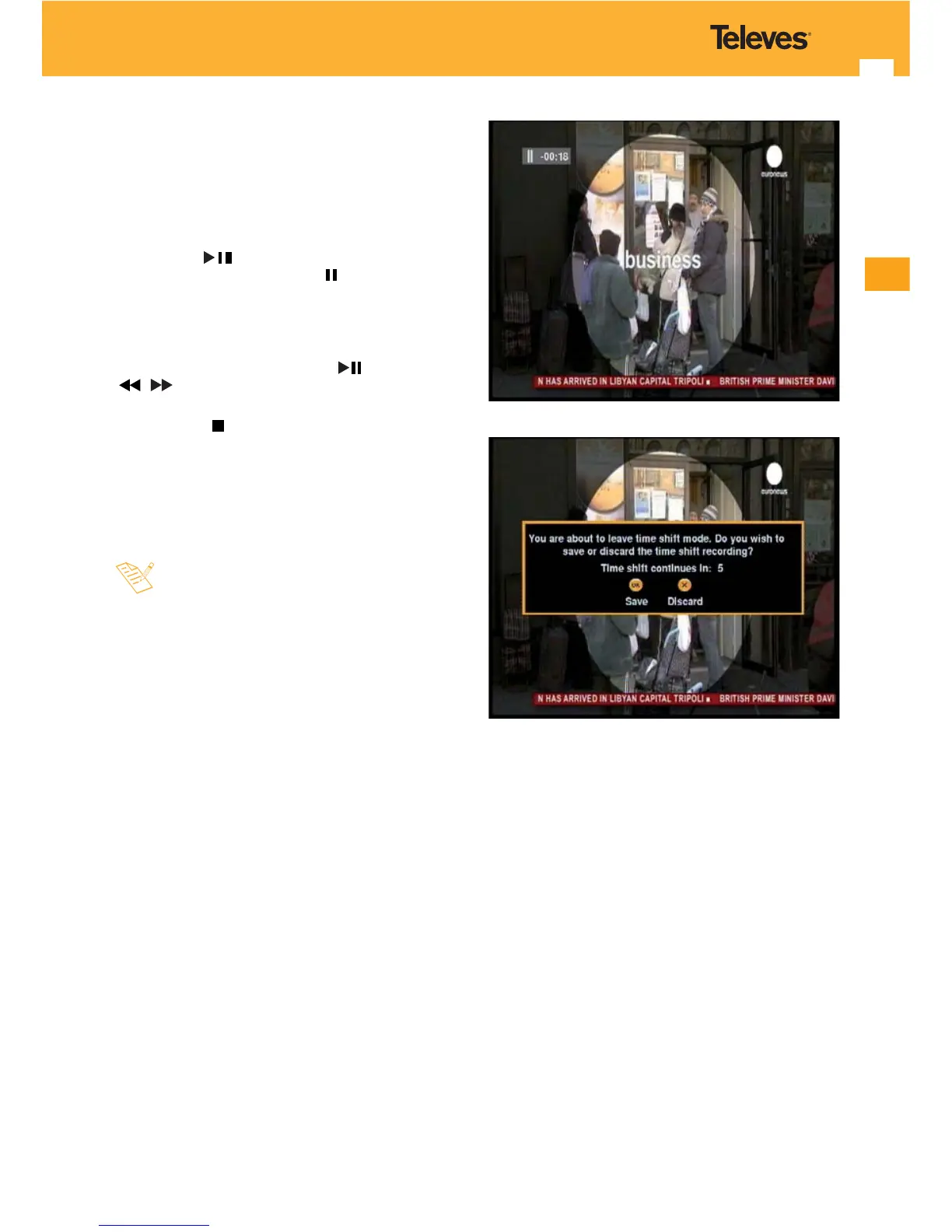
TimeShift function
For this function be possible, you must have an external
disk or a USB drive (memory stick) formatted FAT 32.
The time lapse between the real time video and that
recorded onto disc is called TimeShift.
- Press the key
while watching a TV programme. The
image freezes and the indication “ -XXs” is displayed on
the screen, where XX is the time that the pause lasts. From
now on, all the information is stored in the memory of the
receiver.
- To continue watching the programme from the same
point where it was paused, press the key. Use the keys
/ if you wish to navigate the time bar to search for
a particular scene.
- If you press the
key it pauses the TimeShift function and
returns to real time watching mode.
- Before nishing the function, a window appears and
will ask if you wish to save the recording made from the
TimeShift function in the hard drive.
- The maximum time provided for this function will
depend on the capacity of the external hard drive
connected.
- During the TimeShift function, the subtitle and
teletext will not be available.
- During the TimeShift function you will not be able
to change programme. This function must be
stopped rst.



 To Next Page