Telink TLSR8232 BLE SDK Developer Handbook
AN-19112700-E1 195 Ver.1.0.0
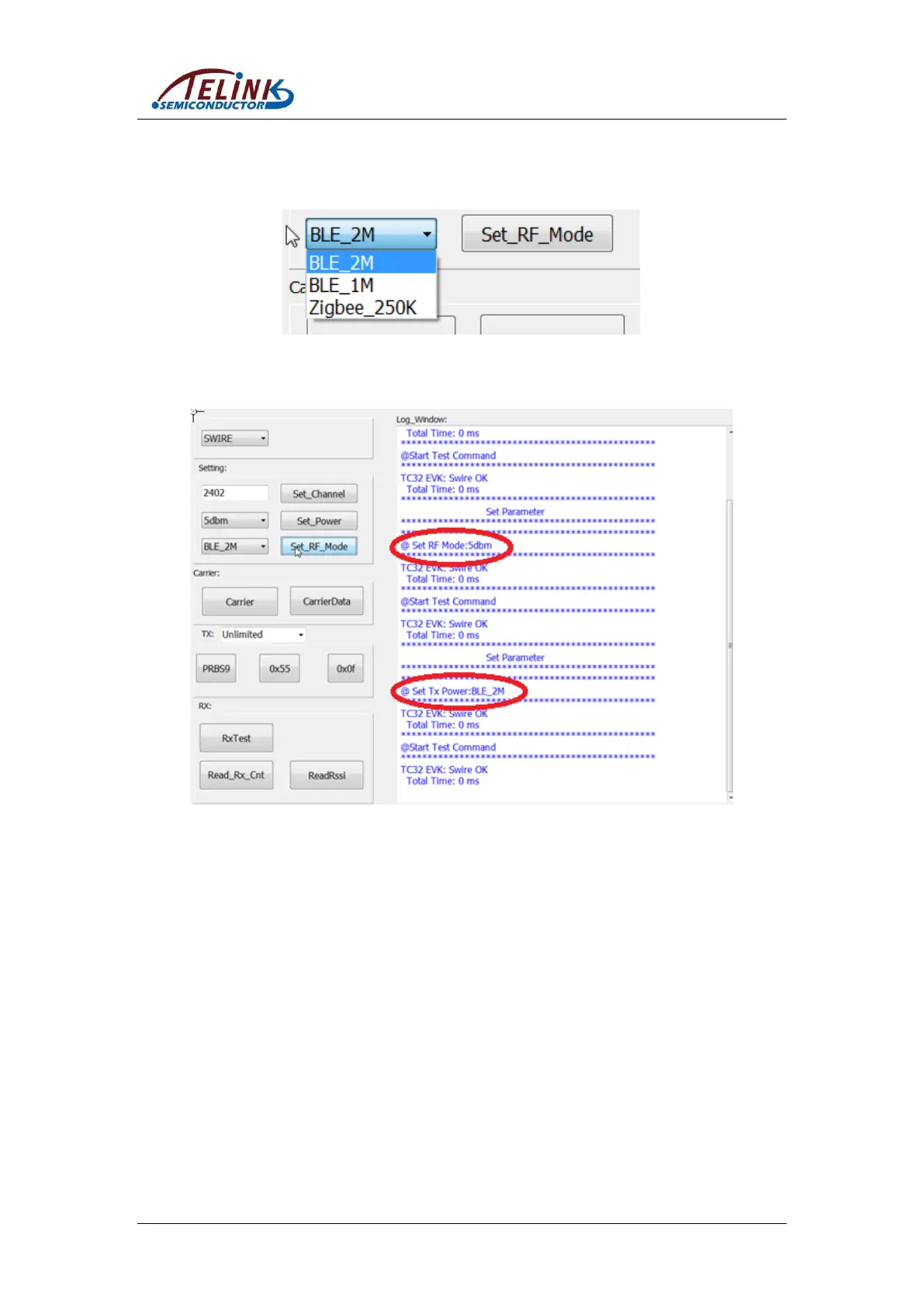
Step 3: Select power level and BLE mode via the corresponding drop-down box, and
click “Set_Power”/”Set_RF_Mode”.
Figure 11-5 Select RF Mode
Figure 11-6 Interface After RF Mode Setting
Step 4: Click “Carrier”/“CarrierData”/“RXTest”/“PRBS9”/“0x55”/“0x0f” to enter
corresponding test mode.



 To Next Page