8
Counting - Getting Started
Starting
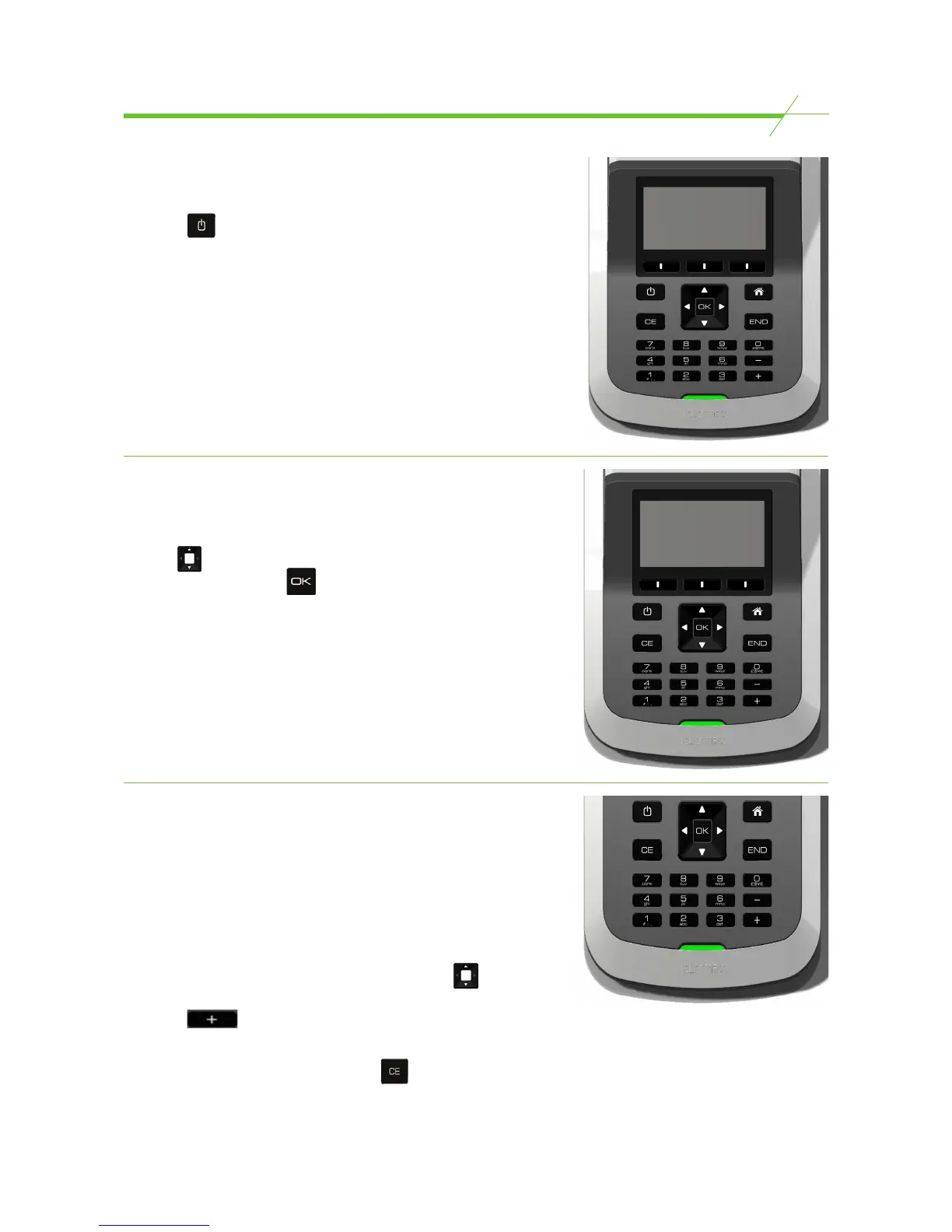
To switch on-
Press the key.
Home Page
Your T-i
X
software will come with pre-programmed
counting tasks to help you process your money.
Use the buttons to select a count task
and confirm by pressing .
Using the keypad*
* selected models only
The keypad allows you to enter reference numbers and the
value of “other media” items such as cheques and credit
cards. It can also be used to directly enter the amount of any
denomination, rather than counting it on T-i
X
.
Keying in a value
In count mode select the denomination using the keys,
enter the value of the denomination using the keypad then
press the
+
key to confirm the amount.
If you make a mistake whilst entering a denomination,
select the denomination and press the key to clear the
entry and start again.


 To Next Page