Call Waiting is turned on and available to use for most
new Telstra connections. Once it’s on, it stays on unless
you switch it off, but it won’t work during a 3-Way Chat.
No need to miss an important call just because you’re
on the phone. The Call Waiting tone (two beeps every
five seconds) lets you know that there’s a call waiting
to be answered.
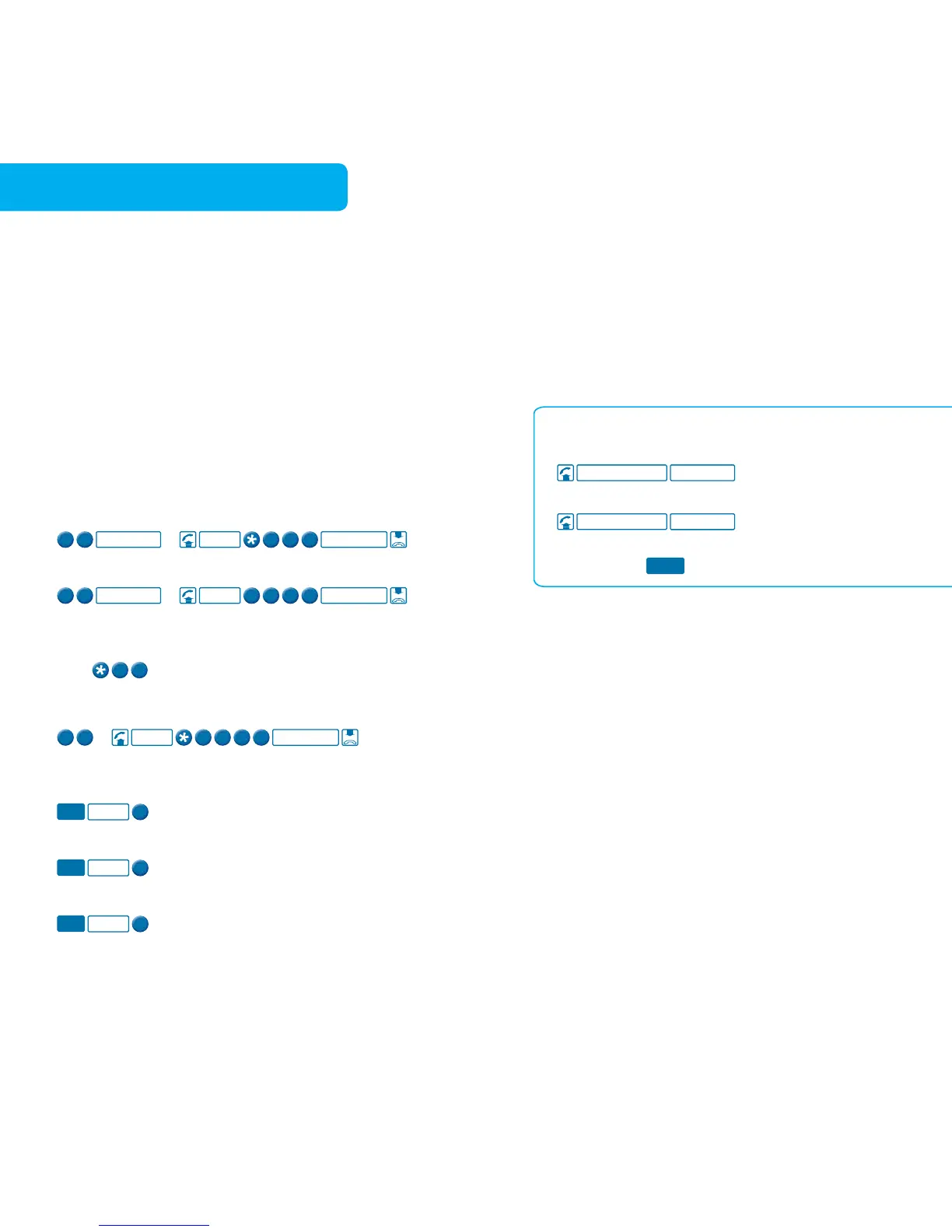
To turn Call Waiting on
To turn Call Waiting off when using the
Internet or sending a fax
Store
on the front of your internet
dial up number or fax number.
To check if Call Waiting is on or off
To answer the incoming call when
already on a call or switch between calls
To hang up one call and return to the other
To reject the incoming call when already on a call
Touchfone® T1000S/T1000C Phone
To turn Call Waiting on
To answer the incoming call or to switch
between calls



 To Next Page