Forward your home or office number to your
mobile phone.
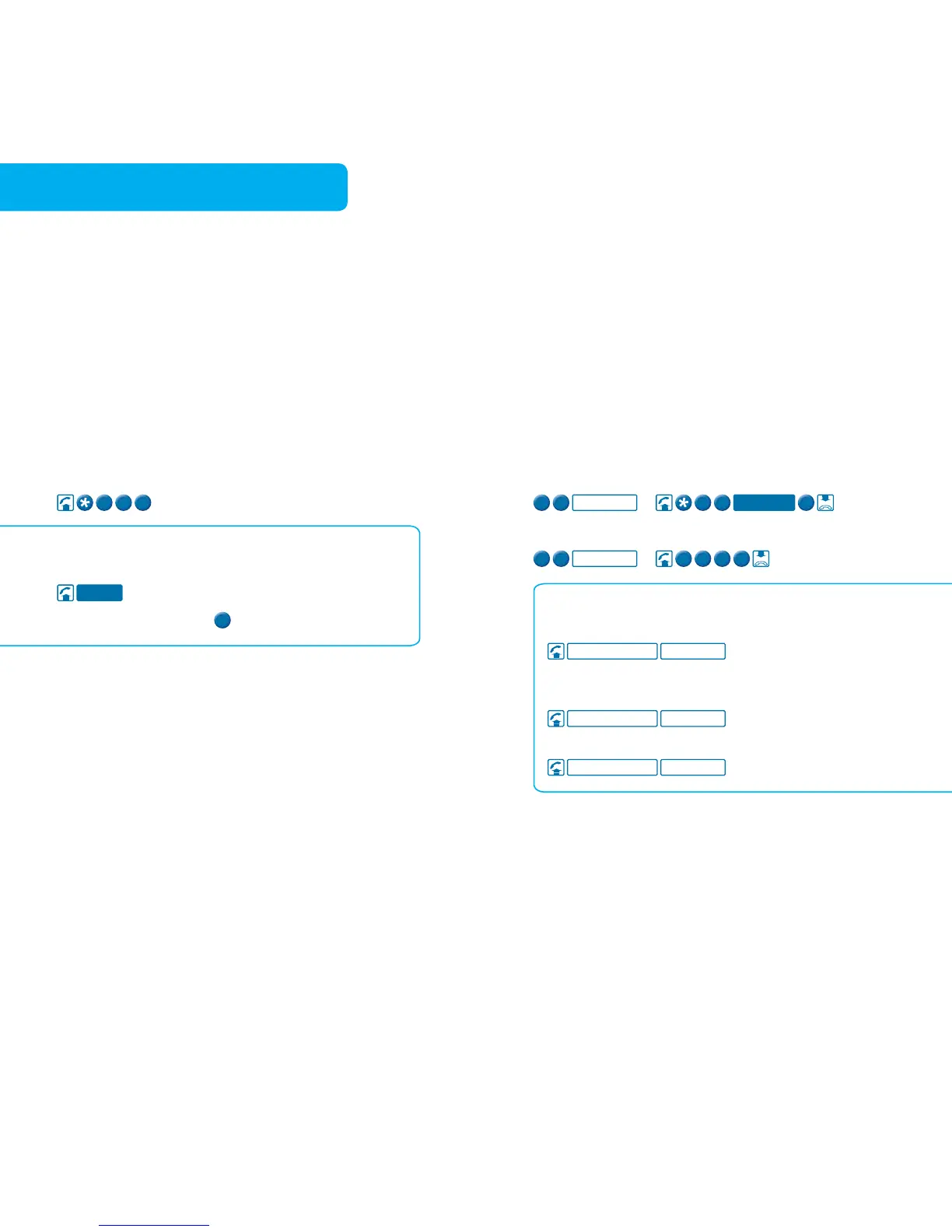
To immediately forward all incoming calls
To turn Call Forward Immediate off for all incoming calls
Touchfone T1000S/T1000C Phone
To forward all incoming calls immediately
To turn Call Forward Immediate off for all
incoming calls
To check if Call Forward Immediate is on or off
Find out the number of your last unanswered call
(except for blocked numbers).
To retrieve the number of your last unanswered call
Touchfone T1000S/T1000C Phone
To retrieve the number of your last unanswered call
To return the call, press
Call Forward Immediate is available to use on your
phone now. It overrides all other HomeLine Features
except Call Forward Selected Callers.
Charges apply for forwarded calls.
Call Return is available to use on your phone now on tone
phones in most areas of Australia, but is not available for
blocked calls.
Applicable usage charges and normal call charges apply
if you return the call.



 To Next Page