6
Set up your device
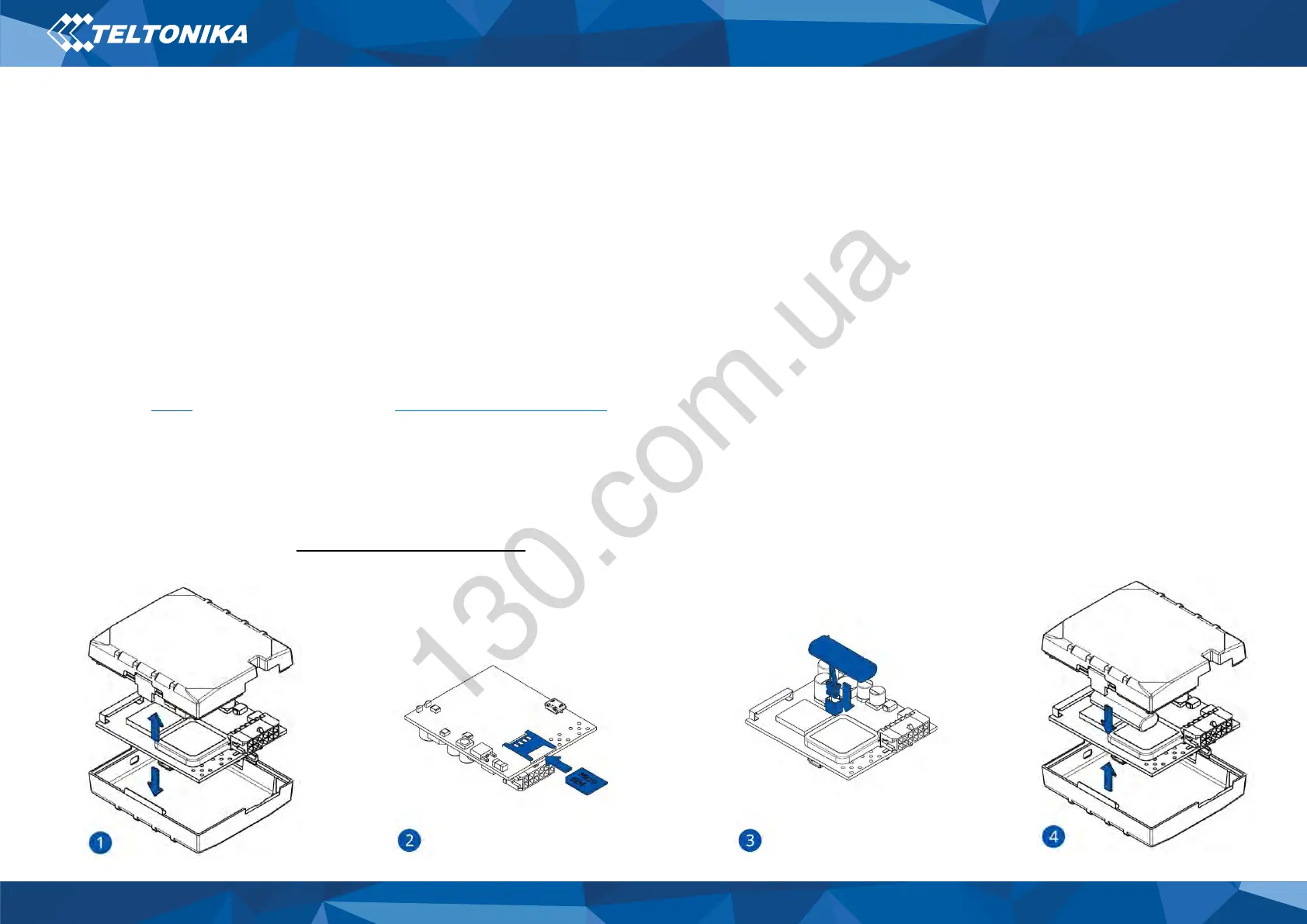
How to insert Micro-SIM card and
connect the battery
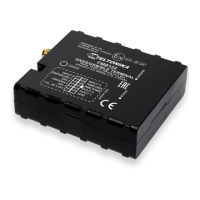
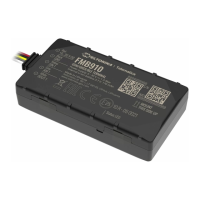
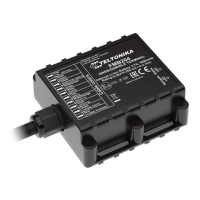
1. Gently remove FMB140 cover using plastic pry tool from both
sides.
2. Insert Micro-SIM card as shown with PIN request disabled or
read our Wiki how to enter it later in Teltonika Configurator.
Make sure that Micro-SIM card cut-off corner is pointing
forward to slot.
3. Connect battery as shown to device. Position the battery in
place where it does not obstruct other components.
4. After configuration, see “PC Connection (Windows)”, attach
device cover back.
Figure 4 Cover removal
Figure 5 Micro-SIM card insert
Figure 6 Battery connection
Figure 7 Attaching cover back


 To Next Page