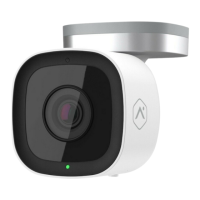
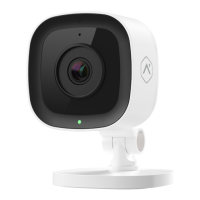
Troubleshooting
IMPORTANT
If the camera was previously installed on a TELUS account,
it will need to be deleted before it can be installed again.
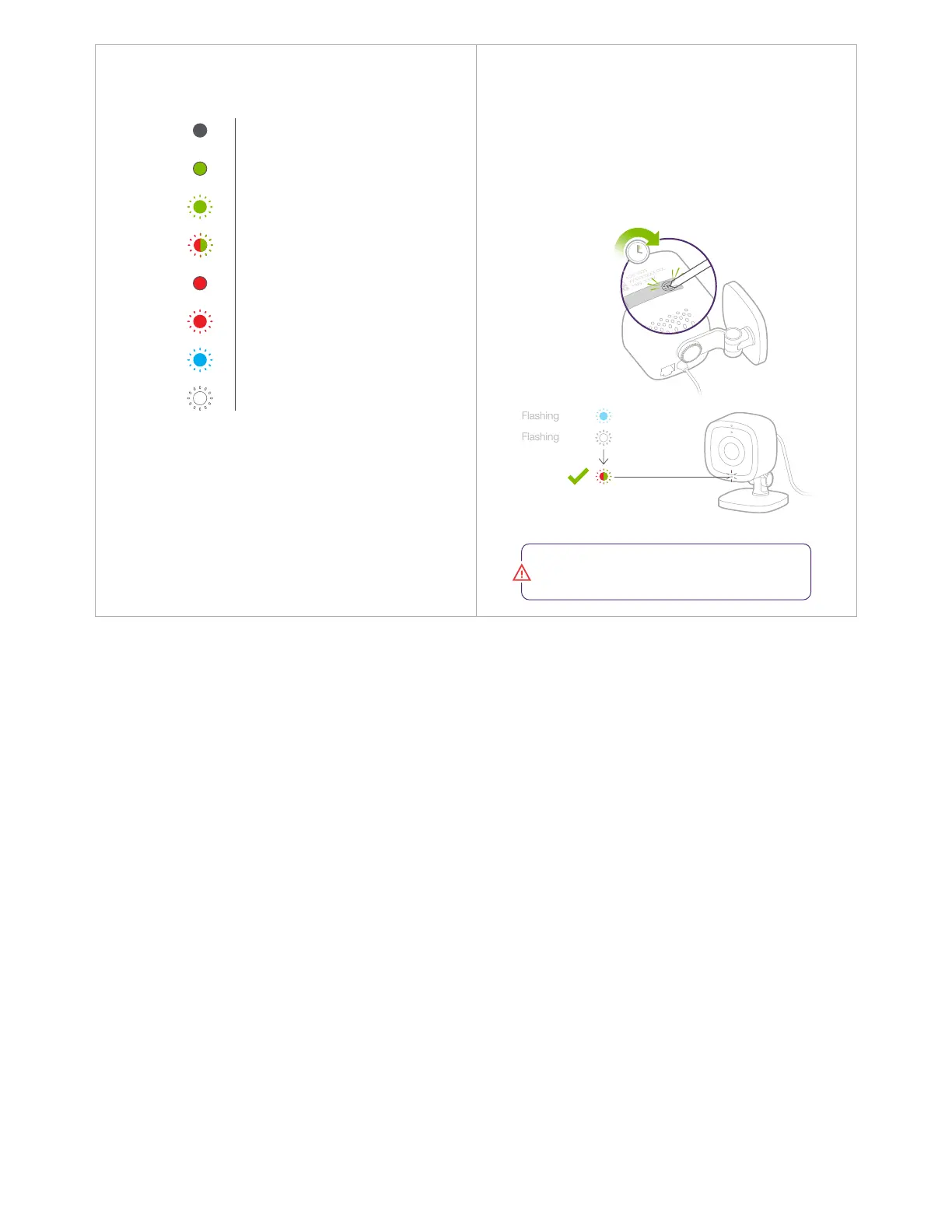
15 seconds
Solid
Flashing
Flashing
Flashing
Flashing
Off
Solid
Flashing
Power off
Connected to TELUS SmartHome
Local network connection
No local or Internet connection
Power on, camera booting
Factory reset
WPS mode
Wi-Fi access point mode
LED Reference Guide
Flashing
If you have issues connecting the camera to a TELUS
account, unplug the power cable from the camera
and plug it back in.
•
•
If issues persist, reset the camera to factory defaults
and try again.


 To Previous Page