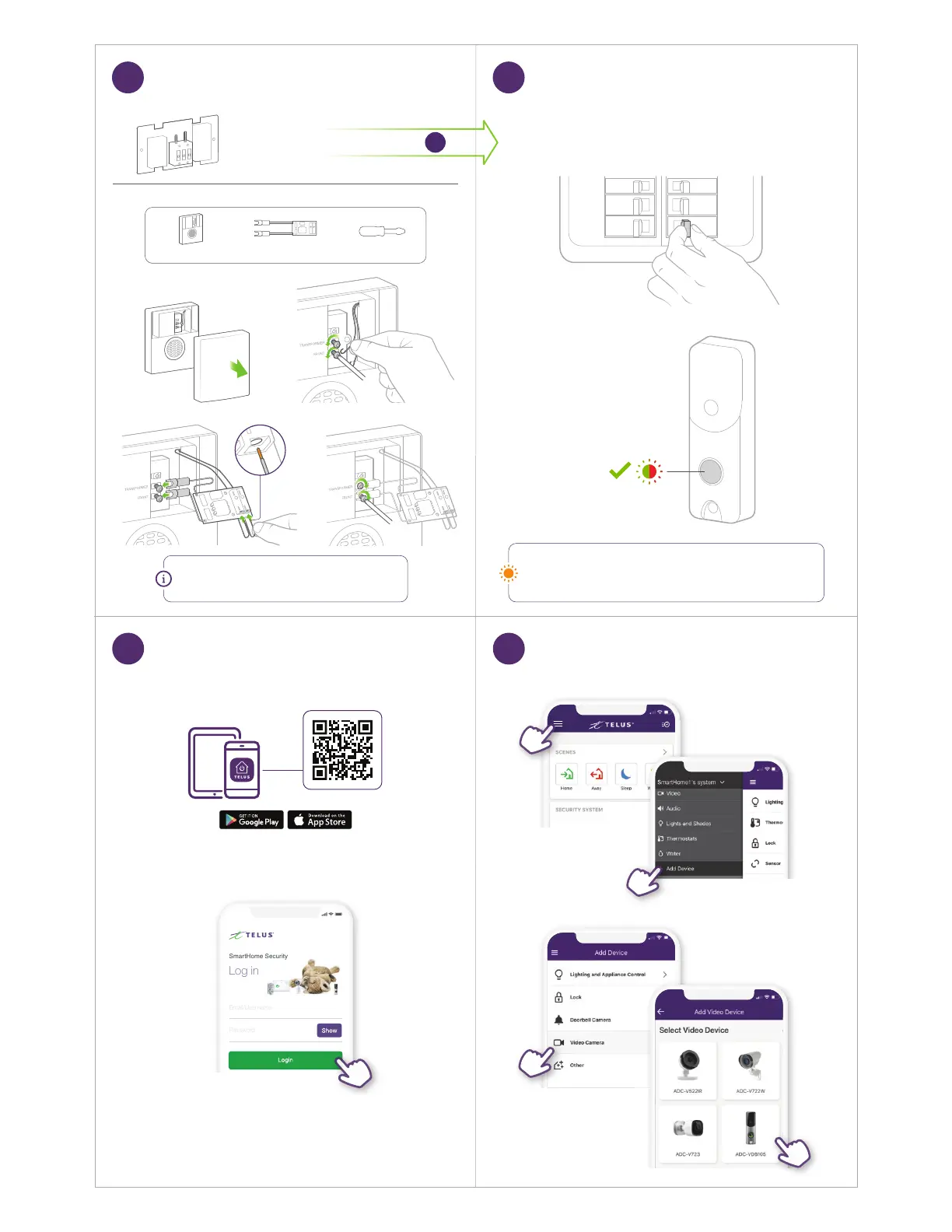
Turn ON power to doorbell
Flashing
Digital Chime
LED ashing orange?
If ashing orange, press and hold the main button for 60 seconds
until the light begins alternating green and red.
You’ll need:
ScrewdriverDigital Doorbell Adapter Digital Chime Box
Attach Digital Doorbell Adapter
Restore Power
NOTE
It doesn’t matter which terminal you connect a wire to.
Go to Step
12
Mechanical Chime
11 12
SmartHome1’s system
Forgot your SmartHome Security log in?
Learn how you can recover it.
Download the TELUS SmartHome app,
then log in with your My TELUS credentials.
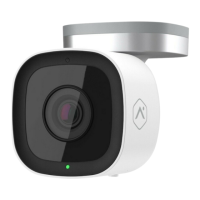
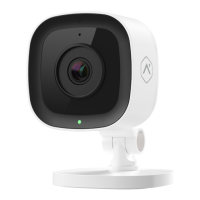
Get the TELUS SmartHome App Add Camera to Your Account
13 14



 To Next Page