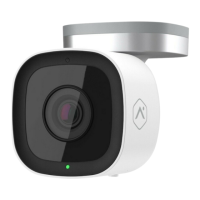
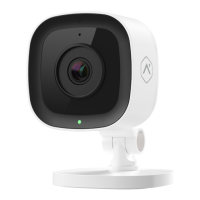
Flashing
Flashing
Entering troubleshooting modes
Continue to press and hold the main button for
troubleshooting steps below.
Wi-Fi access point mode
Press and hold the main button for 60 seconds
until ashing, then release.
Power cycle
Press and hold the main button for 70 seconds
until ashing, then release.
Factory reset
Removes previously saved settings from camera.
Press and hold the main button for 80 seconds
until ashing, then release.
Flashing
Flashing
Troubleshooting Guide



 To Previous Page