14
troubleshooting
• Check under the bed base to verify that the wired connections are secure and that there are no cords or bedding
obstructing the movement of the base.
• Check to ensure the blue LED light is illuminated on the control box. If there is no light, verify that the input and power
cords are properly connected.
• Unplug the base for 1 minute to reset the electronic components.
• Plug bed base into a different electrical outlet, or test current outlet with another working appliance (a grounded, electrical
surge protector is recommended).
• Ensure that your remote batteries are properly installed or do not need replacing.
• Ensure Child Lock feature is not enabled. See page 9 for more information.
• Ensure that the remote control is paired to the bed base. See page 9 for more information.
If one or more functions on the bed base have stopped operating:
If issue is not resolved by following the instructions above, locate serial number on warranty card or
back of remote and call Customer Service: 1800 763 498, NZ: 0800 483 6789
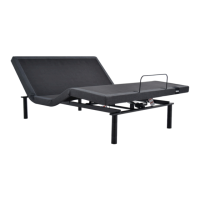
ADJUSTABLE BASE
REMOTE CONTROL


 To Next Page