7
installation guide
STEP 7
STEP 8
STEP 9
STEP 10
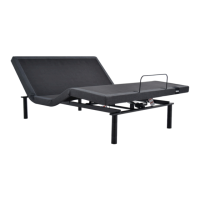
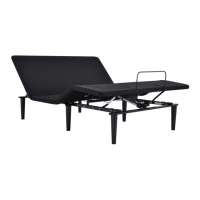
Carefully flip the base over on to its legs. Important: Two people
are required to move the bed base. Do not drag across the floor.
Do not rest frame on its side, excessive pressure may damage
the legs.
Plug the Power Cord into a power source. A surge protector is
recommended.
Ensure that batteries are correctly installed in the remote.
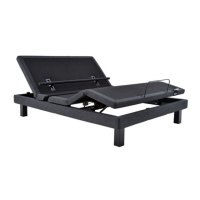
Quickly test remote functions to verify proper setup before
placing mattress on base. Return the base to a FLAT position
before placing the mattress on top.
Setup is now complete!
Test all functions on remote.
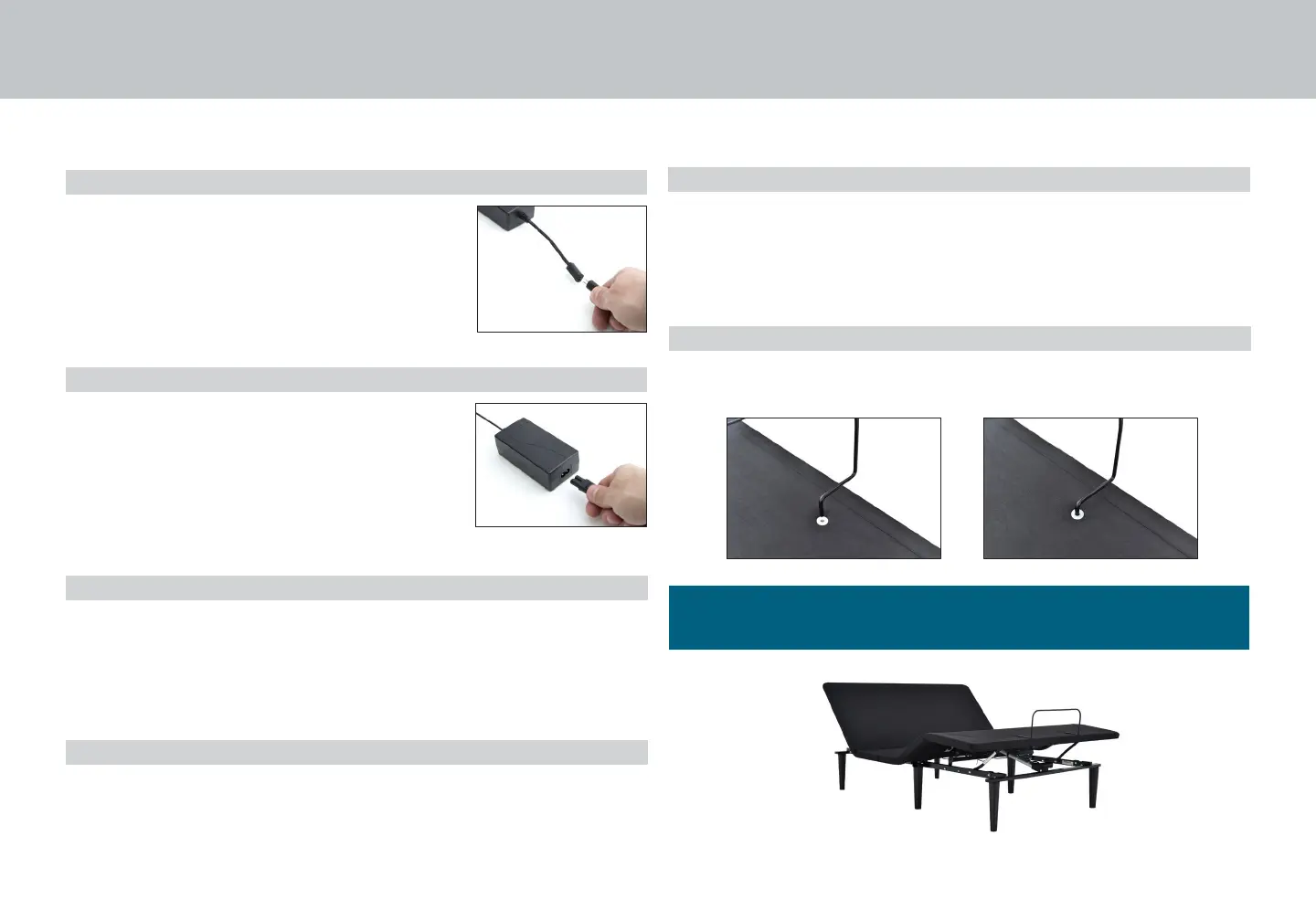
To install the mattress retainer bar, insert each end of the bar
into the holes at the foot of the platform.
For customer support, call Customer Service AUS: 1800 763 498, NZ: 0800 483 6789
STEP 5
STEP 6
Uncoil input Power Cord (connected to
Control Box’s power port) and plug into
Power Supply.
Uncoil the Power Cord and connect to the
Power Supply. Place Power Supply on the
ground and extend from the base. Ensure
that the Power Supply and all attached
cords are directed toward the desired
surge protector.


 To Next Page