Document Version: V1.0
ii
Preface
Thank you for choosing Tenda! This guide is a complement to Quick Installation Guide. The Quick
Installation Guide provides instructions for quick internet setup, while this guide contains details of
each function and demonstrates how to configure them.
Applicable product
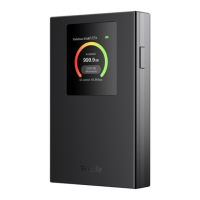
This user guide walks you through all functions of the 4G LTE Mobile Wi-Fi. All screenshots herein,
unless other specified, are taken from MF6.
Conventions
This guide is for reference only and does not imply that the product supports all functions in the
guide. The functions supported by different versions of the same model may differ. The actual
product prevails.
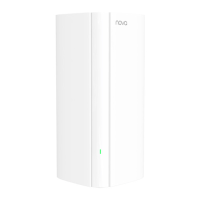
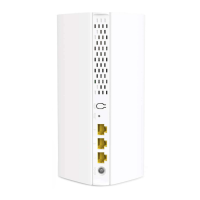
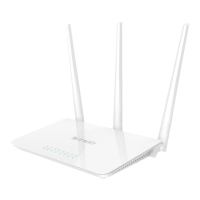
The product figures and screenshots in this guide are for examples only. They may be different
from the actual products you purchased, but do not affect the normal use.
If the function or parameter is displayed in gray on the product web interface, the product model is
not supported or cannot be modified.
The typographical elements that may be found in this document are defined as follows.
This format is used to highlight information of importance or special interest. Ignoring this
type of note may result in ineffective configurations, loss of data or damage to device.


 To Next Page