Document Version: V1.0
47
9.8.2 Sync system time with the local time
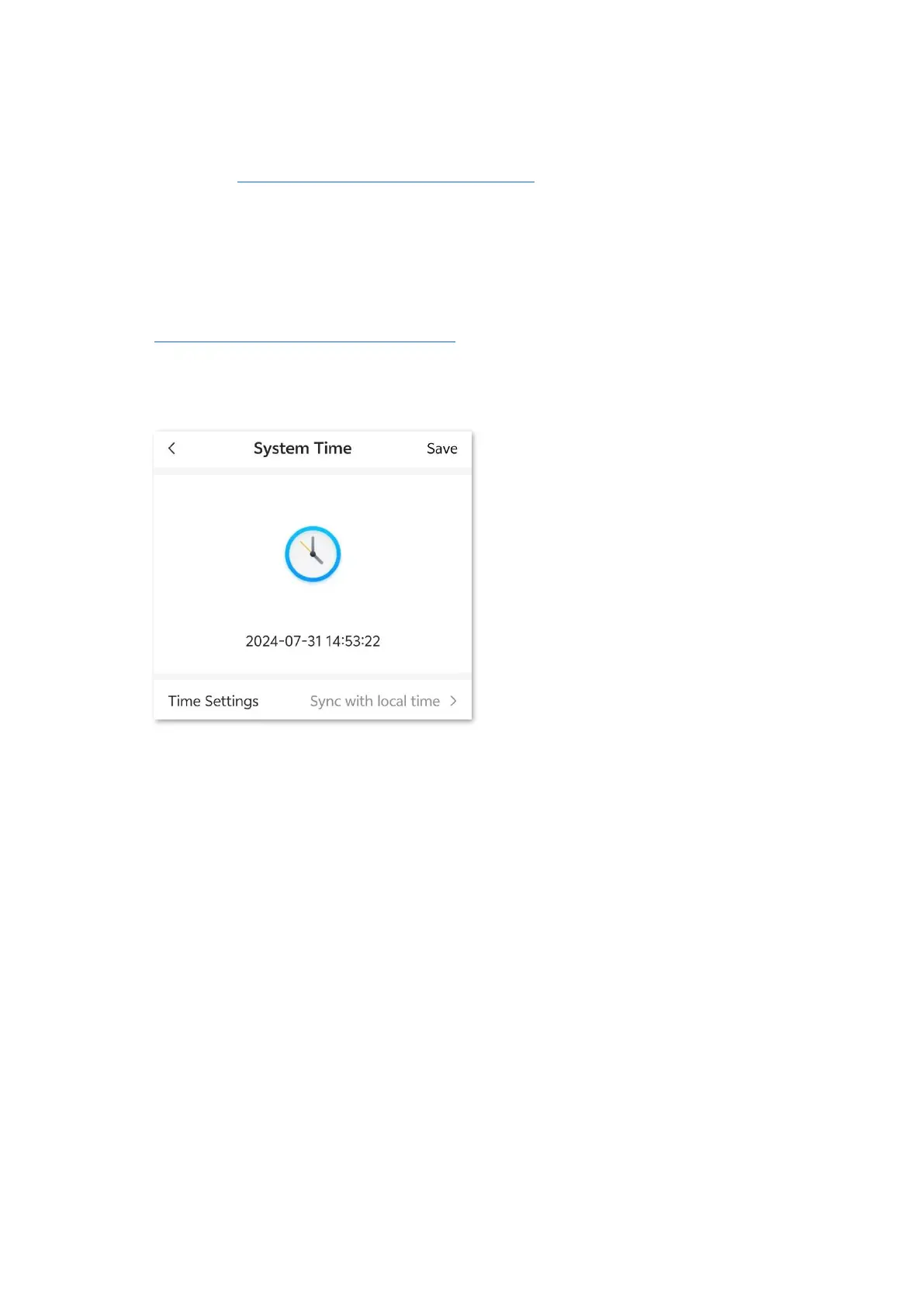
To access the page, log in to the web UI of the mobile Wi-Fi, and navigate to More > System Time.
You can sync the system time of the mobile Wi-Fi with the device that is configuring the mobile Wi-
Fi. Besides, you need to correct it every time after you reboot the mobile Wi-Fi to ensure the
accuracy of system time.
Procedure:
Step 1 Log in to the web UI of the mobile Wi-Fi, and navigate to More > System Time.
Step 2 Select Sync with local time for Time Settings.
Step 3 Tap Save.
---End
After the configuration is completed, you can refresh the page to check whether the system time
of the mobile Wi-Fi is correct.


 To Next Page