Document Version: V1.0
46
9.8 System time
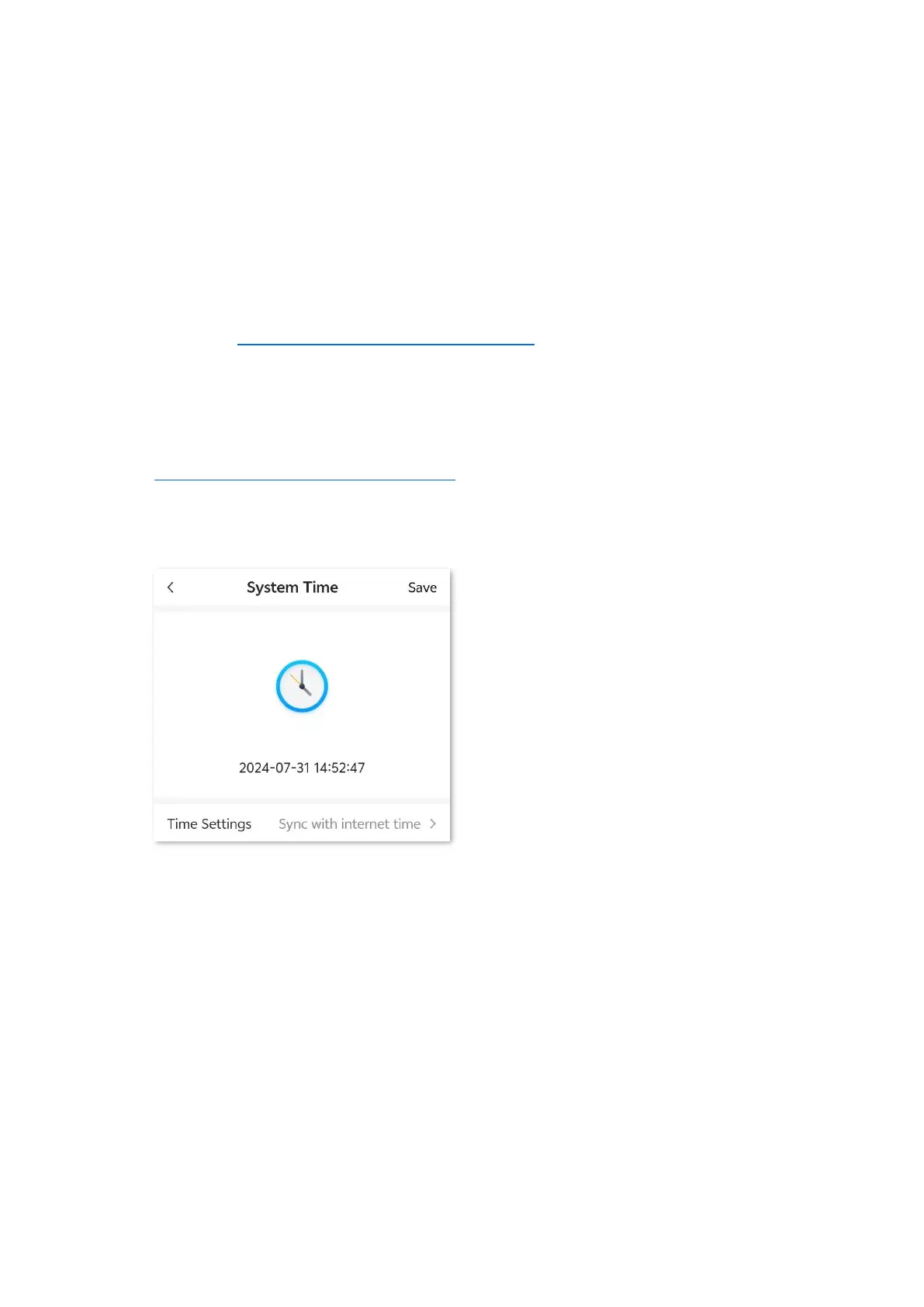
You can change the time settings on this page. The functioning of functions based on time requires
an accurate system time. The system time of the mobile Wi-Fi can be synchronized with the
internet or local device. By default, it is synchronized with the internet.
9.8.1 Sync system time with the internet time
To access the page, log in to the web UI of the mobile Wi-Fi, and navigate to More > System Time.
Under this mode, the mobile Wi-Fi will automatically sync its time with the internet time when it is
connected to the internet.
Procedure:
Step 1 Log in to the web UI of the mobile Wi-Fi, and navigate to More > System Time.
Step 2 Select Sync with internet time for Time Settings.
Step 3 Tap Save.
---End
After the configuration is completed, you can refresh the page to check whether the system time
of the mobile Wi-Fi is correct.


 To Next Page