Document Version: V1.0
35
9.3 SIM PIN
SIM PIN is a protective measure to prevent your SIM card from misuse. If your SIM card is locked
when you insert it into the mobile Wi-Fi, you are required to unlock it for internet access.
To access the page, log in to the web UI of the mobile Wi-Fi, and navigate to More > SIM PIN.
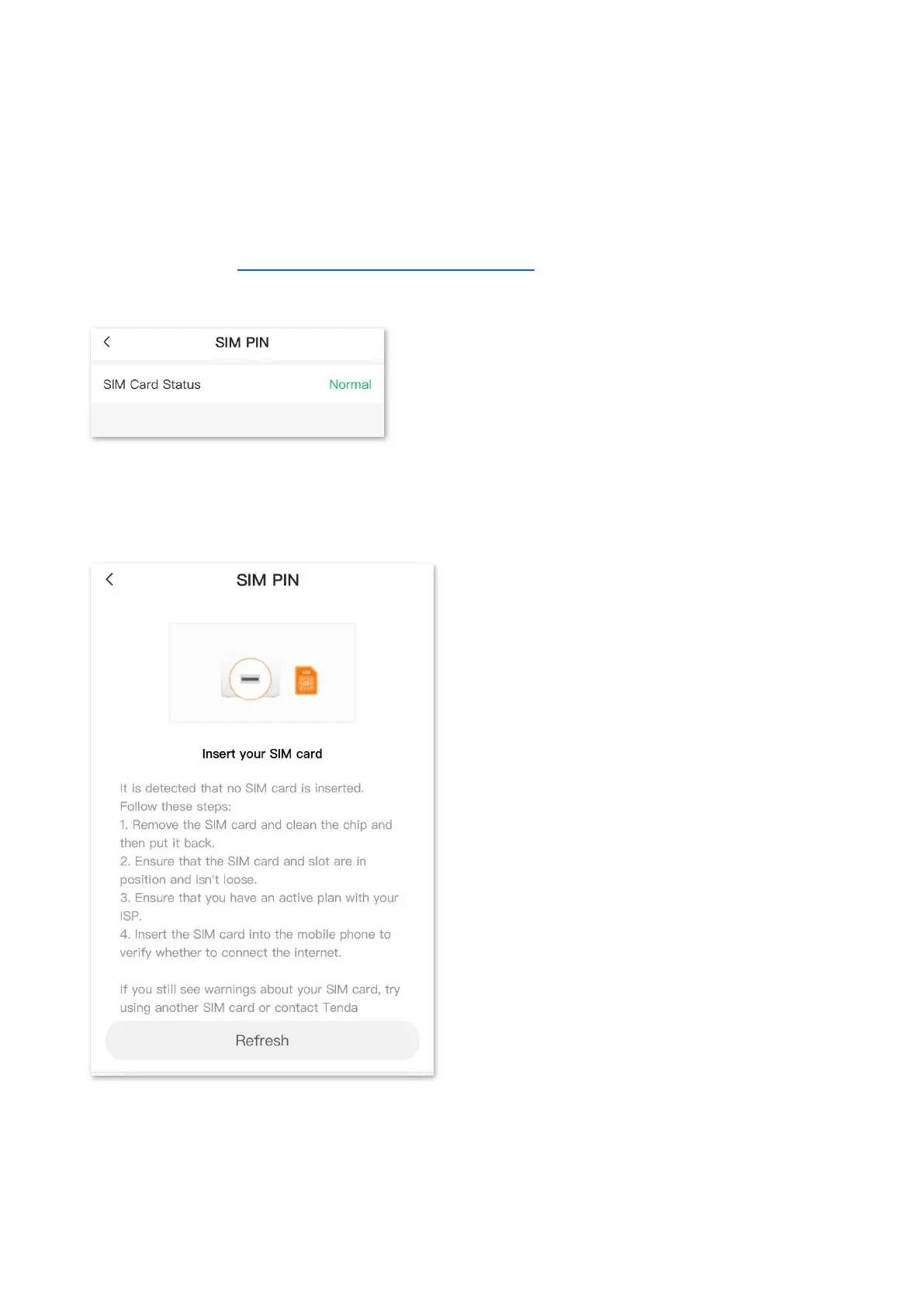
When the status of the SIM card is normal, the page is shown as below.
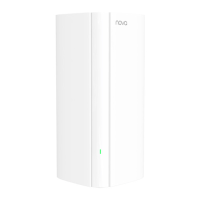
9.3.1 Insert SIM card correctly
If no SIM card is detected, you can complete the operation according to the page prompts.


 To Next Page