2 Quick setup
iPhone is used for illustration here.
Procedure for quickly configuring the internet settings:
Step 1
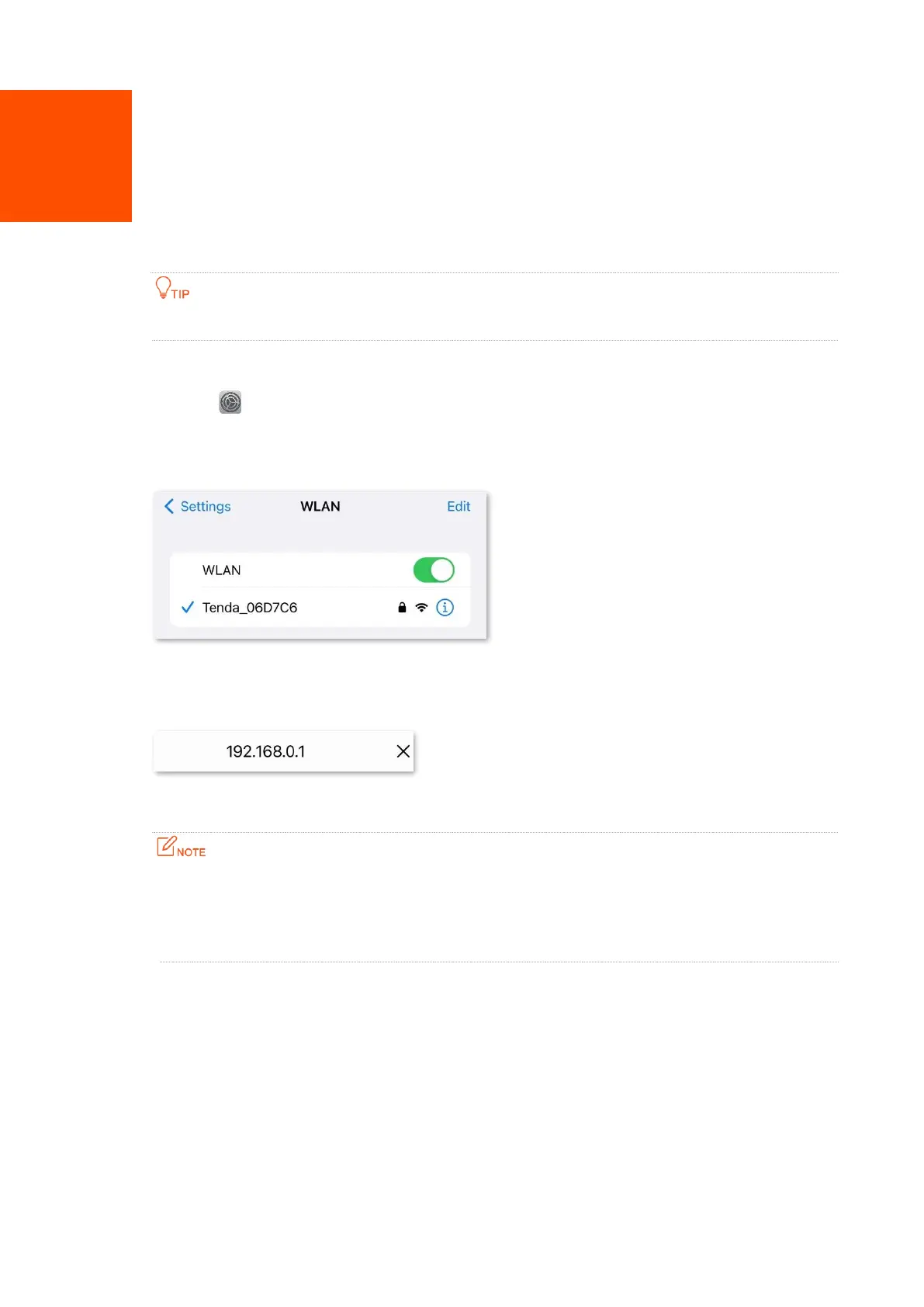
Tap the (Settings) on the smartphone, and tap WLAN.
Step 2
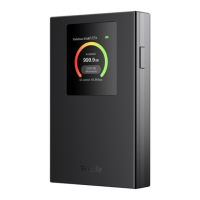
Connect the smartphone to the Wi-Fi network of the mobile Wi-Fi, which is
Tenda_06D7C6 in this example.
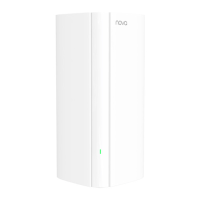
Step 3 Start a browser on your smartphone, visit tendawifi.com or 192.168.0.1 to log in to the
web UI of the mobile Wi-Fi.
Step 4 Tap Start.
− Ensure that the SIM card has sufficient balance and can be used to access the data service of
your Internet Service Provider (ISP).
− To unlock the PIN code, disable SIM PIN lock on the phone or unlock PIN code on the web UI of
the mobile Wi-Fi.


 To Next Page