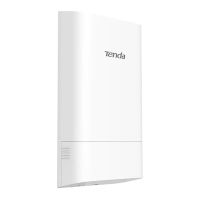
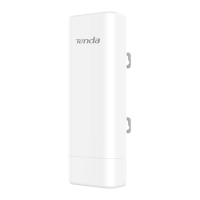
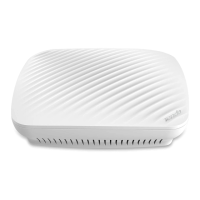
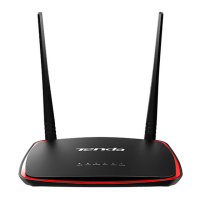
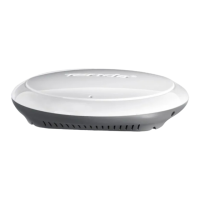
LED1 LED2 PoE/LAN
LED1 LED2 PoE/LAN
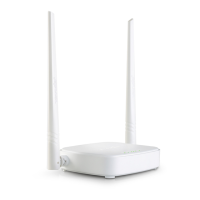
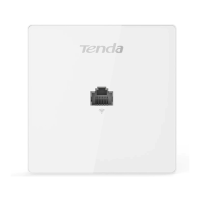
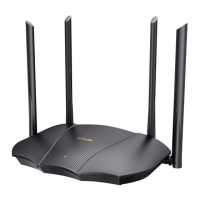
Appearance may vary depending on the actual product you used.
ResetPoE/LANDC
PoE injector
Switch
NVR
PoE LAN
NVR side-CPE
Monitor
PoE/LAN
ResetPoE/LANDC
PoE injector
PoE LAN
Camera side-CPE
PoE/LAN
IP camera
Monitoring center
Tower crane
Switch
NVR
Computer
Monitor
NVR side-CPE
Camera side-CPE
CCTV location 1
CCTV location 2Monitoring center
Switch
NVR
Computer
Monitor
NVR side-CPE
Camera side-CPE
Camera side-CPE
NVR side-CPE
NVR
Monitor
Switch
Computer
Elevator shaftMonitoring center
NVR side-CPE
Camera side-CPE
Elevator shaft
NVR side-CPE
Camera side-CPE
NVR Monitor
Switch
Computer
Monitoring center
Figures
Power LED1 LED2 LED3LAN2 LAN3 LAN4PoE
LAN1
/
Figure 1
Figure 2
Figure 5
Figure 7
Figure 8
Figure 9
Figure 10
Figure 11
Figure 6
Remove the cover
Example: O1-5G
Example: O1-5G
Example: O1-5G
Example: O1-5G
Figure 3
RESET
PoE/LAN1 LAN2 LAN3 LAN412V 1A
DC power jack
Multiplexing port Ethernet port
Cable grommet
Reset button
Example: O1-5G
LED1 LED2 PoE/LAN
Wall mounting slot
Pole mounting slots
Figure 4
Example: O1-5G
Example: O1-5G
Example: O1-5G
Figure 12
Example: O1-5G
Example: OS3
Example: O1-5G


 To Next Page
 Loading...