9
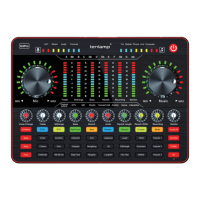
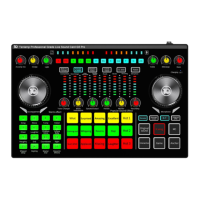
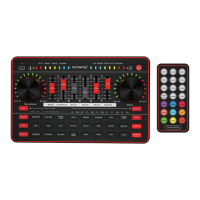
G3 BT CONNECTION
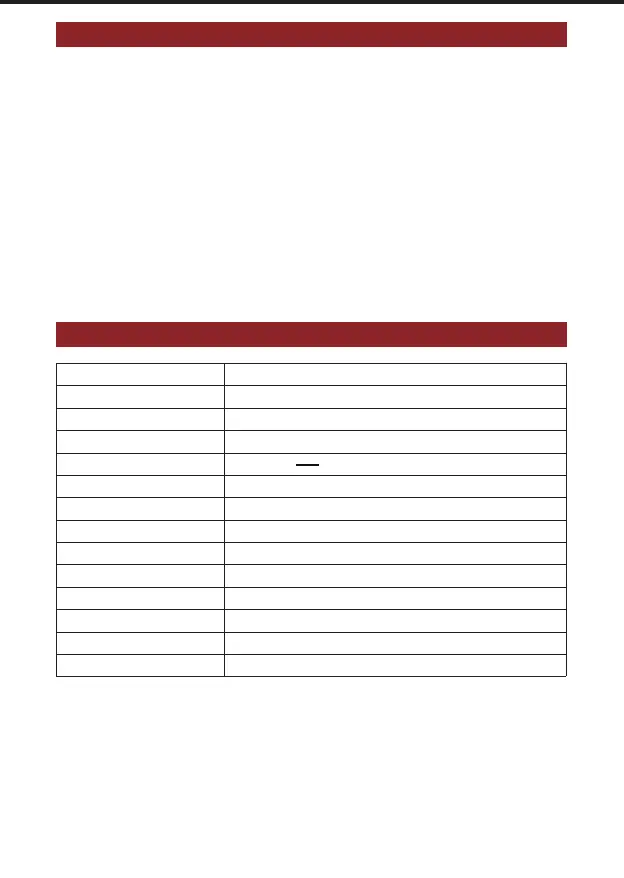
TECHNICAL PARAMETERS
1. BT will be turned on after power on, and will automatically wait for pairing, the red BT
indicator will blink.
2. Search the device in phone BT menu, find the BT device of "G3 SoundCard", and
choose it to connect.
3. After the smartphone BT is connected successfully to the mixer, the red BT indicator is
on always.
4. Please play accompaniment on phone music player, after set up the mixer.
5. Open the live streaming software on the smartphone or computer for live streaming.
Product weight
Size
Battery
Environment
Name
Reverb processing
Frequency response
BT version/Name
Sampling rate
Charging
Out power
THD
S/N Ratio
BT receive
Temperature 0℃ ~ 45℃/0℉-113℉
L225*W140*H40mm
DC+5V , 1A MAX
Lithium ion 1000mAh/3.7V (3.7Wh)
G3 Sound Card
32Bit RISC Digital reverberation processor
80Hz~18KHz
V5.0,Compatible with Bluetooth 4.2BR1 G3 SoundCard
48KHz/16Bit
10mW Load 32Ω(Condenser microphone)
<0.3% @1kHz (Live streaming)
>102dB
460g
<12 m(No obstacle)
........
Realtec High Definition Audio
Realtec High Definition Audio
Warm Tips
.
.
.
BT connection is limited by distance(10 meter), do not place the too far away from the G3.
Be far away from strong signal interference place.
BT feature is only for accompaniment music playback.
TIPS
The USB sound mixer is a entertaining sound card for online live streaming, podcast, and
others. Its sound quality is not as professional as that of a professional audio mixer.
The monitor volume is not equal to the main output volume, and the volume heard by the
monitor headset may not be the same as the main output volume. Monitor volume is the
volume output to monitor earphones. The main output volume is the volume output to live
broadcast devices or recording devices, separately adjusted by different faders.
.
.


 To Next Page