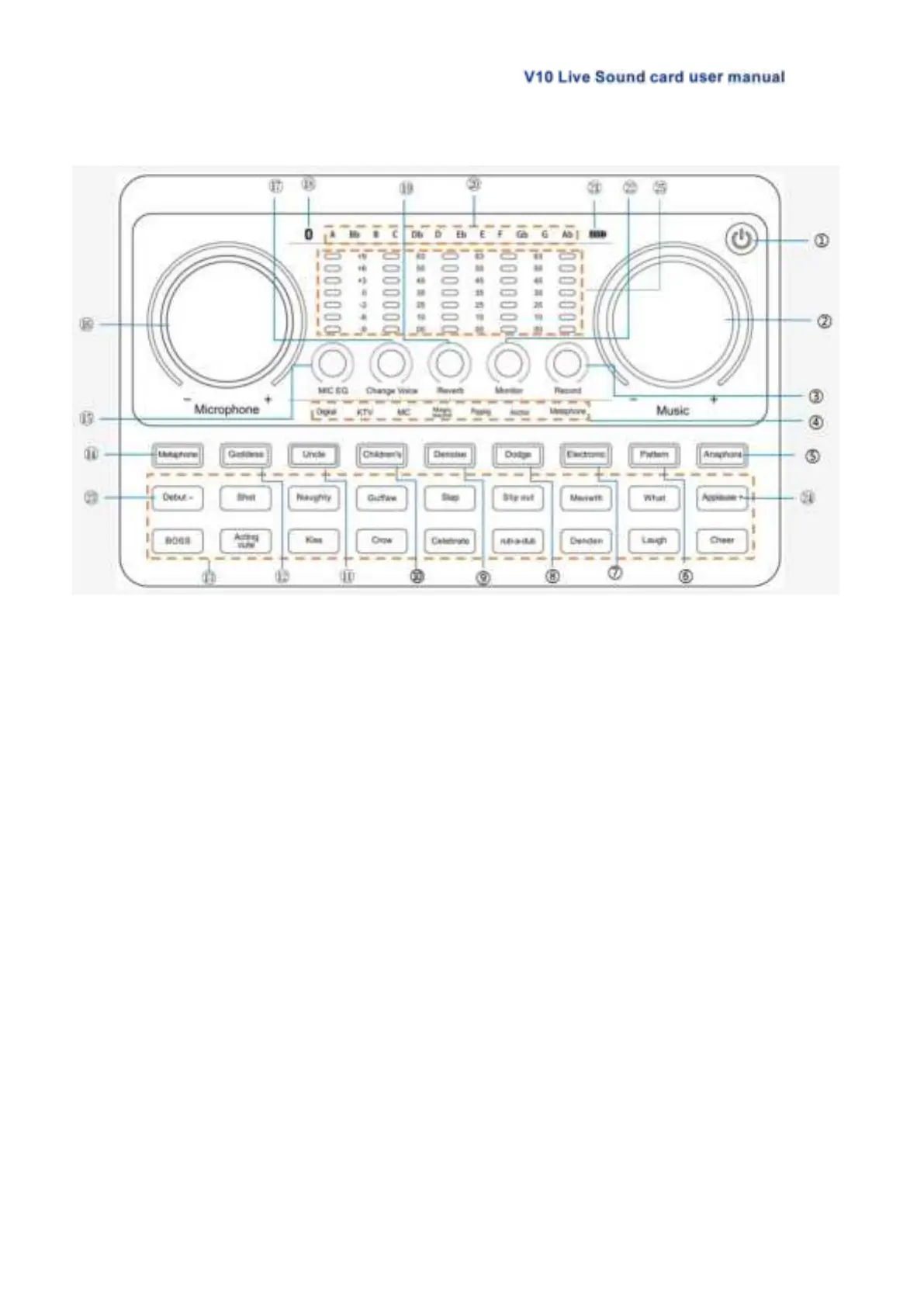
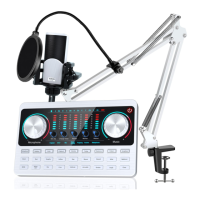
3.2 V10 Live Sound Card Panel Definition
1. Power Switch/Loopback:Long press 2 seconds to turn on/off; When working, short
press to turn on/off the Loopback function;【Loopback function: When the "Loopback"
Function is ON, the accompaniment or voice can be uploaded to the computer or
network platform through the sound card, and audience not only can hear microphone
sound but also hear sound from PC, or record the sound from the PC while recording on
PC; when the "Loopback" function is OFF, the accompaniment or sound won't be
loaded to the computer or net platform through sound card, the audience only hear the
mic voice and can not hear the sound from your computer or laptop, or only record the
microphone sound while using PC recording】
2. Music knob:Adjust the volume of the music input.
3. Record knob:Adjust the output volume(output to live streaming device or recording
device).
4. Mode light:Lights up to show the current corresponding sound mode.
5. Anaphora button:When turned on, Eliminate 85% the singer's vocals in the
accompaniment music.
6. Pattern button: Short press to cycle switch through the 6 sound scene modes: Original
sound, KTV, MC, Magic sound, Popping, Anchor.
7. Electronic button:Short press to cycle switch the electronic music tone, long press to
turn off the electronic tune, LCD corresponds to 12 kinds of electronic tone cycle
display.
8. Dodge button/status light: Auto ducking the microphone input. When turning on this
function in the live stream, the audio console will automatically lower the volume of the


 To Next Page