3
OVERVIEW
Voltage and Current Adjustment Knob Operation
• There are two adjustment modes for the voltage and current levels - Mode 1 and
Mode 2.
Mode 1: before setting, press the controls to adjust the voltage and current levels.
Mode 2: adjust directly, there is no need to press the controls.
• These two modes can be switched between by pressing the voltage adjustment
control and the current adjustment control at the same time and holding for two
seconds.
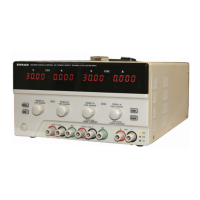
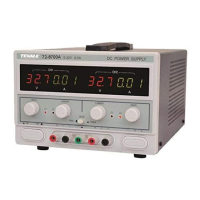
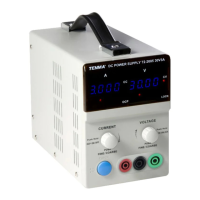
Front panel controls
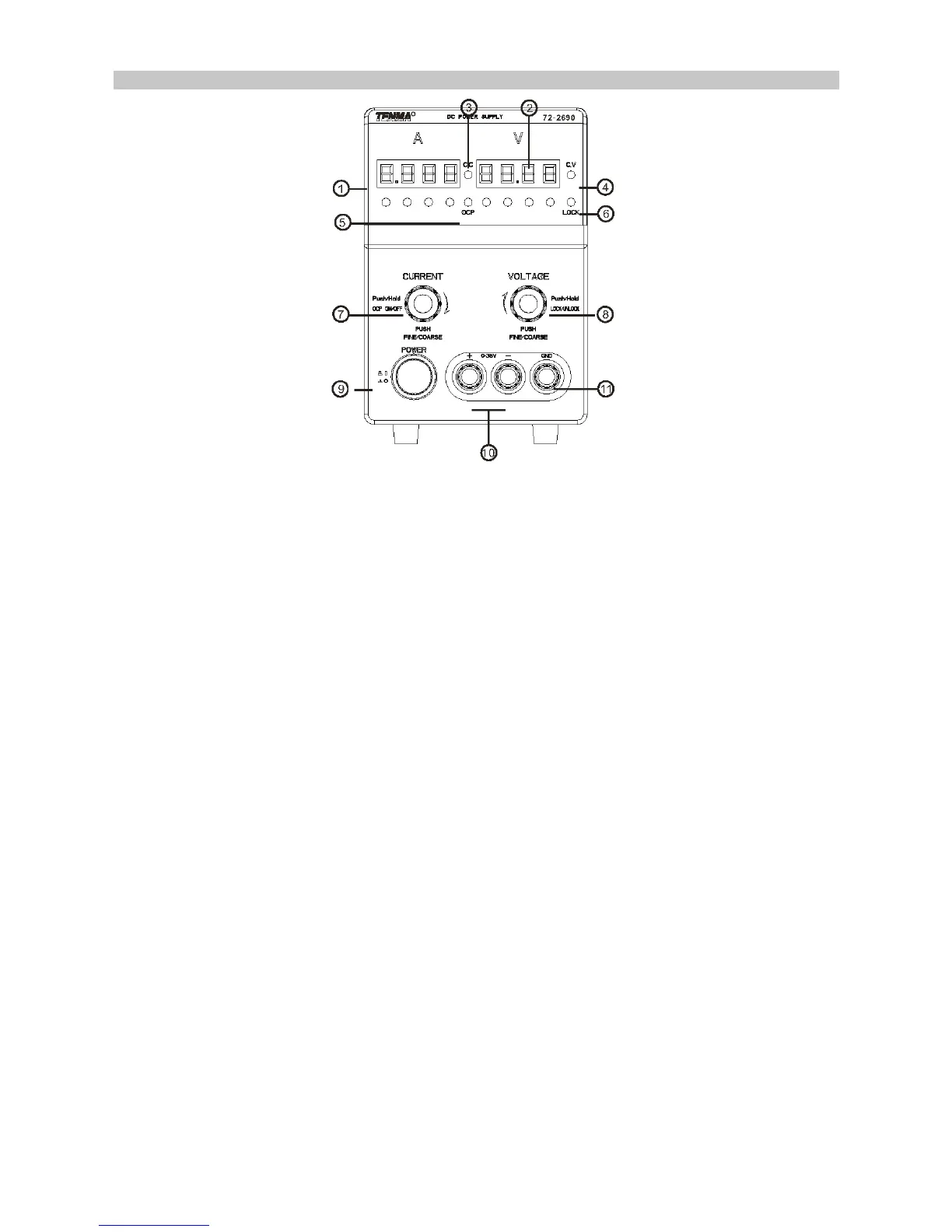
1. Displays the setup value of the output current.
2. Voltmeter displays the setup value of the output voltage.
3. Constant current mode.
4. Constant voltage mode
5. Over current protection active.
6. Panel LOCK indicator.
7. Adjustment knob for current.
8. Adjustment knob for voltage.
9. Power ON/OFF button.
10. Output terminals.


 To Next Page