4
OPERATION
Mode 1 (ne adjustment)
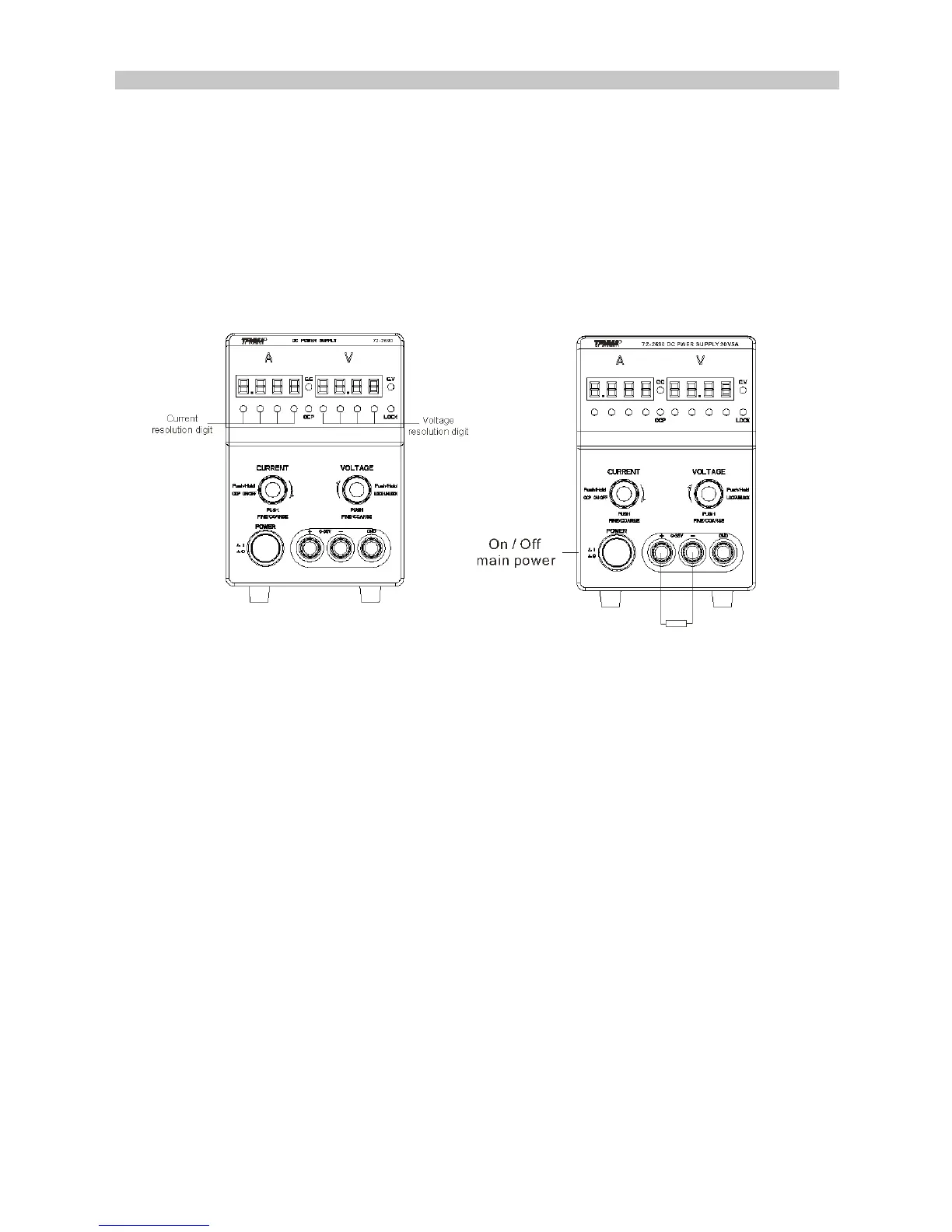
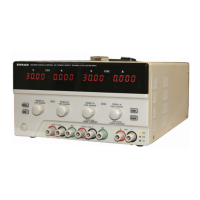
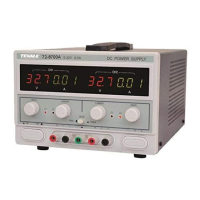
• Voltage adjustment control: Push the voltage adjustment control and then one of
the voltage indicators will light up, the voltage output can be changed by adjusting
the control.
Pushing the voltage control again changes the digit for ne adjustment.
• Current adjustment control: Push the current adjustment control and then one of the
current digit indicators will light up, the current output can be changed by adjusting
the control.
Pushing the voltage control again changes the digit for ne adjustment.
Mode 2 (coarse adjustment)
• In Mode 2, rotate the adjustment knobs to adjust the voltage and current values.
The default resolution of the voltage initial settings is 1V while that of the current is
100mA. The voltage and current adjusting resolution can be changed by pressing
the controls.
Lock Function
Press and hold the voltage control for three seconds to lock the front panel and then
press again and hold for 3 seconds to unlock.
Operation of Over Current Protection
Press and hold the current control for three seconds to start OCP mode, where the
output will be cut off when the output current reaches the set value. In the OCP mode,
press the control to recover the output.
PC Remote Control
COM setting: Congure the COM port settings on PC according to the following list:
• Baud rate: 9600
• Parity bit: None
• Data bit: 8
• Stop bit: 1
• Data ow control: None


 To Next Page