5
DISPLAY SETTING CONTROLS
Using the AUTOSET function
• Connect the signal to be measured to the signal input channel.
• Press AUTO and the oscilloscope will scan the time base and trigger mode and set
the vertical deection factor. You can manually adjust further after this process to
get the optimum display.
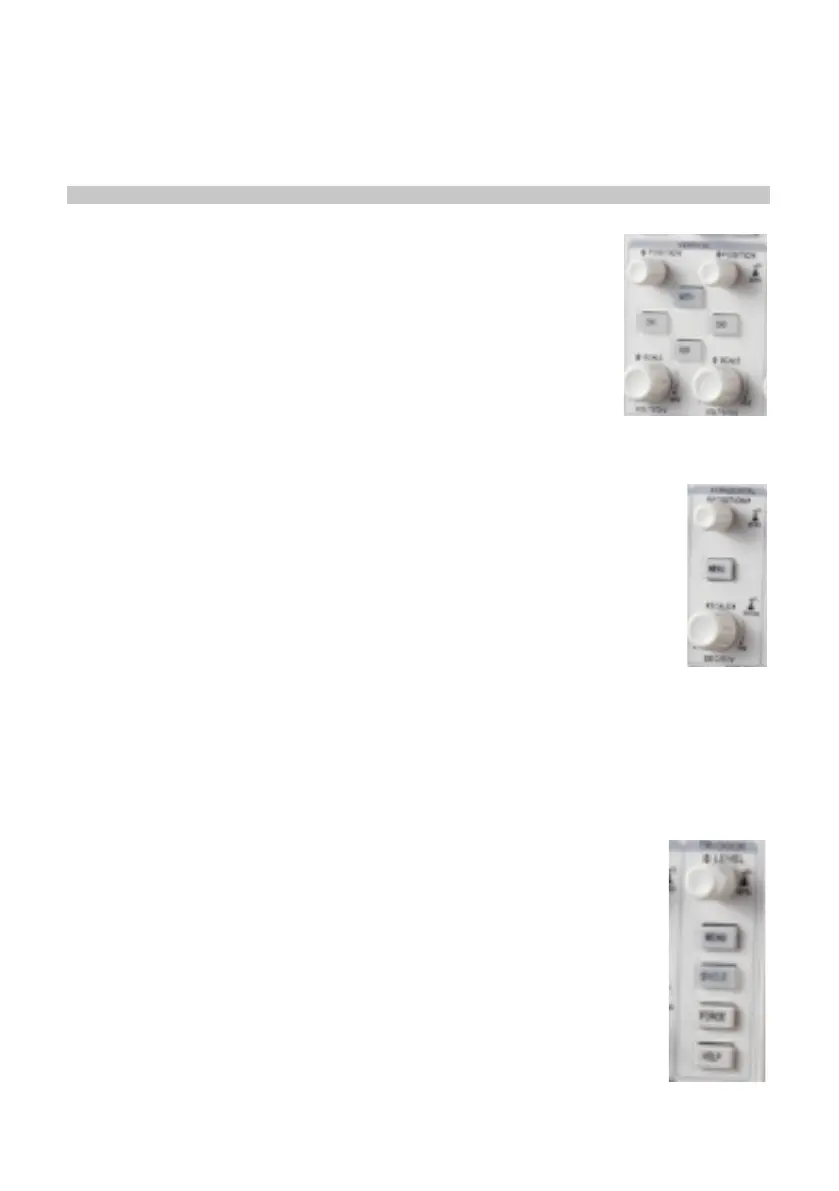
Vertical control panel
• Vertical position control centres the waveform display.
• Press CH1, CH2 to turn on or off each channel.
• As you adjust the POSITION control the ground channel indicator
moves in line with the waveform.
• Pressing the position control resets the display to the centre
point.
• Adjusting the VERTICAL SCALE control adjusts the VOLT/DIV
range. The current status display changes accordingly.
• Press MATH or REFERENCE and the screen shows the
corresponding operation menu, sign, waveform and range status information.
Horizontal control panel
• HORIZONTAL POSITION control adjusts the position of the waveform
window by adjusting the trigger shift of the signal.
• Pressing HORIZONTAL POSITION resets the display to the centre point.
• The HORIZONTAL SCALE adjustment changes the SEC/DIV time base
range and the current status indicator will change accordingly.
• The horizontal scanning rate range is 5ns - 50ns in steps of 1-2-5-10.
• Pressing HORIZONTAL SCALE resets the zoom to default.
Zoom display option
• Press MENU to display the ZOOM options.
• Press F3 to display further options including WINDOW EXPANSION and
HOLDOFF.
• Rotate the MULTI FUNCTION rotary control to make adjustments.
• Press F1 to quit the option and return to MAIN TIME BASE.
Trigger system
• The TRIGGER LEVEL rotary control adjusts the trigger level. The display value
changes on the display as you make adjustment.
• Press MENU to select the trigger options. Press multi-function control
to conrm all selections.
• Press F1 to select TRIGGER TYPE
• Press F2 to select TRIGGER SOURCE to CH1 or CH2
• Press F3 selects EDGE TYPE options
• Press F4 selects TRIGGER MODE options
• Press F5 selects TRIGGER COUPLING options
• Press TRIGGER LEVEL CONTROL 50% to set trigger level at the
range amplitude centre point (trigger zero - highest sensitivity setting)
• FORCE: Press to generate a trigger event once.



 To Next Page