Measurement Operation (9)
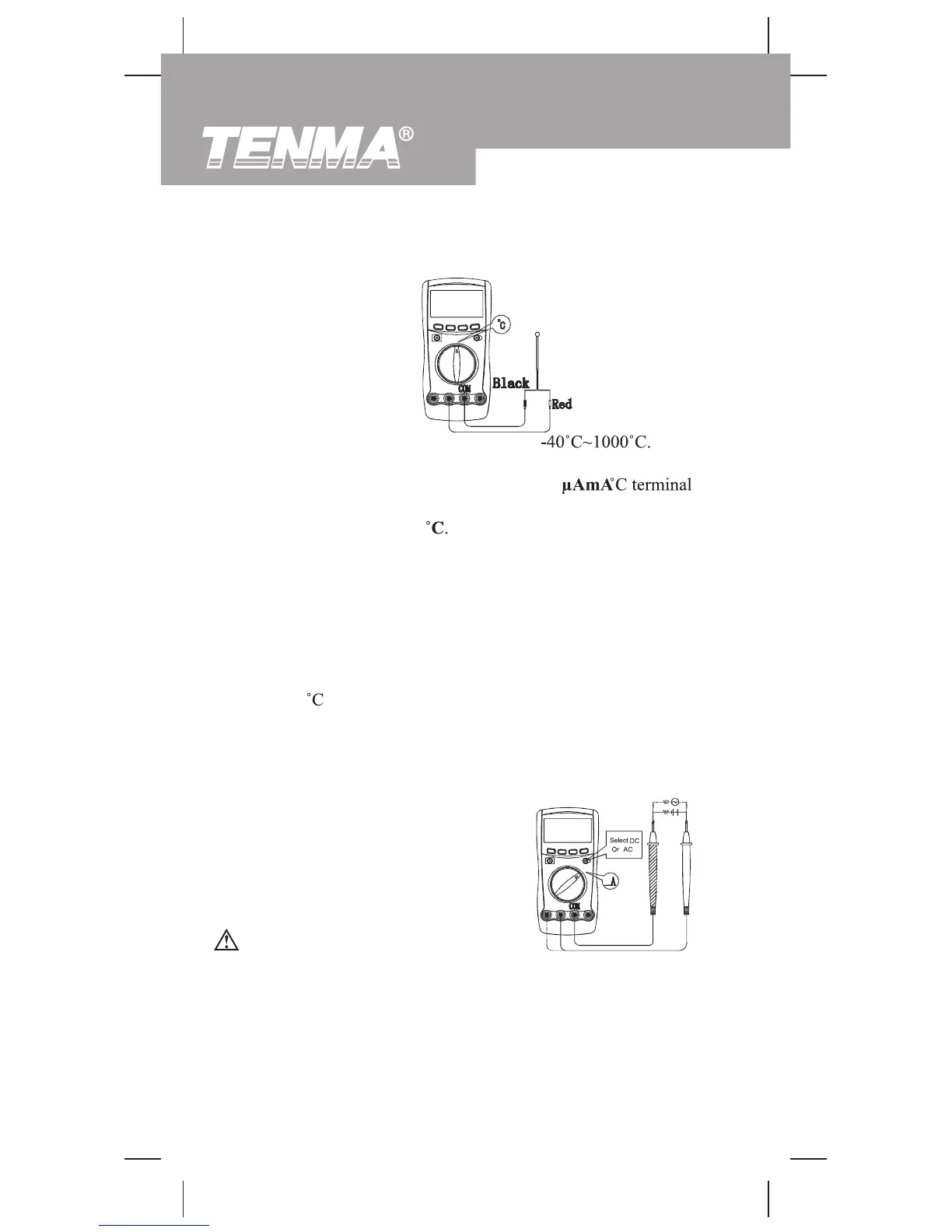
I. Temperature Measurement(see figure 10)
The temperature measurement range is
measure temperature, connect the Meter as follows:
1. Insert the red temperature probe into the
and the black temperature probe into the
COM
terminal.
2. Set the rotary switch to
3. Place the temperature probe to the object being measured.
The measured value shows on the display.
Never attempt an in-circuit current measurement where the
open-circuit voltage between the circuit and ground is
greater than 250V.
If the fuse burns out during measurement, the Meter may be
damaged or the operator may be injured. Use proper
terminals, function, and range for the measurement. When
the test leads are connected to the current terminals, do
not parallel them across any circuit.
Warning
J. DC or AC Current Measurement
(see figure 11)
Note
l The Meter automatically displays the temperature value
inside the Meter when there is no temperature probe
connection.
l The included point contact temperature probe can only be used
up to 250 . For any measurement higher than that, rod type
temperature probe must be used.
l When temperature
measurement has been completed,
disconnect the connection between the test leads and the
circuit under test, and remove the test leads from the
input terminals of the Meter.
(figure 11)
To
22
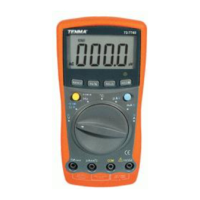
Model 72-7740/72-7745: OPERATING MANUAL
(figure 10)


 To Next Page