21
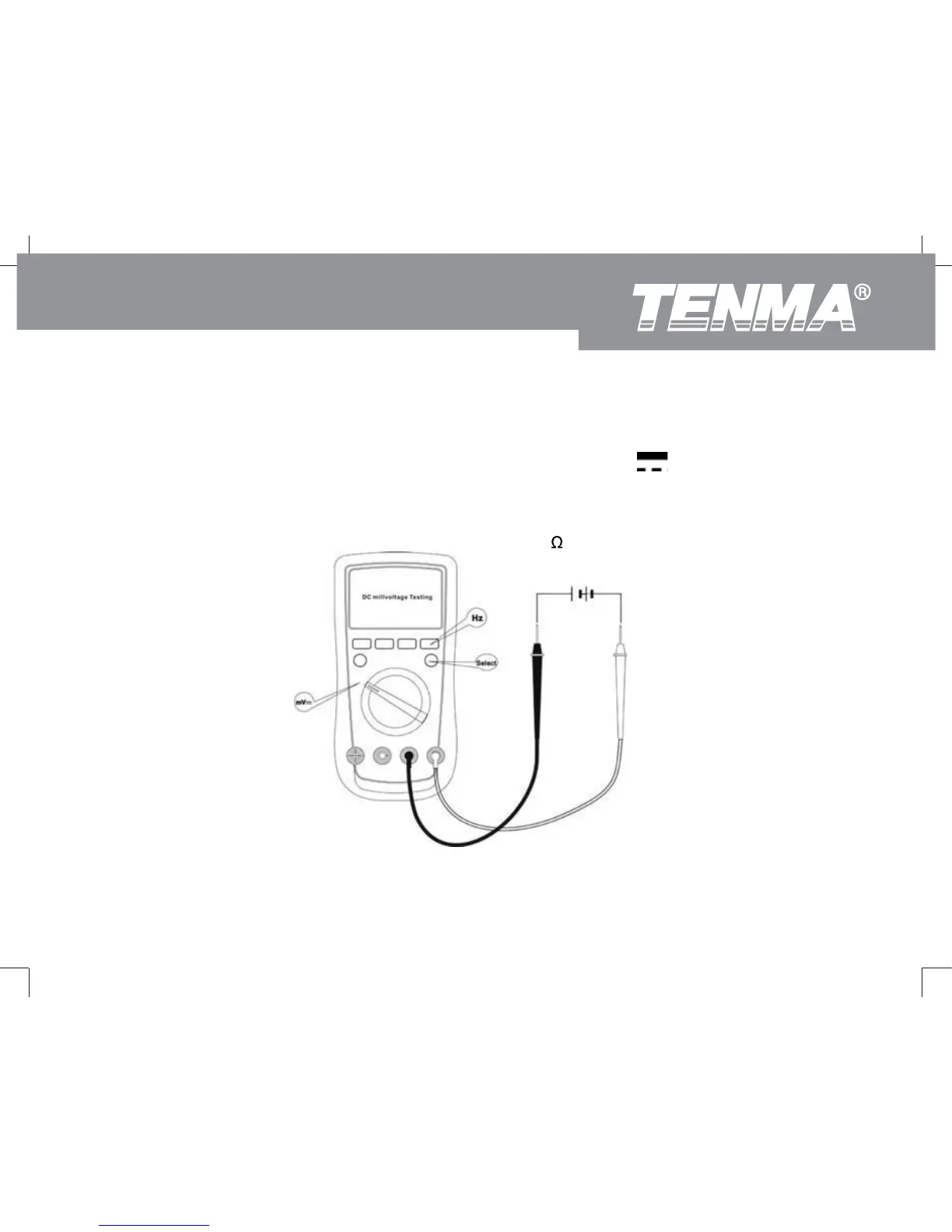
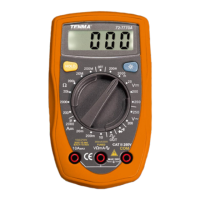
To measure DC millvoltage, connect the Meter as follows:
1. Insert the red test lead into the V terminal and the black test lead into the COM terminal.
2. Set the rotary switch to an appropriate measurement position in mV
3. Connect the test leads with the object being measured.
The measured value shows on the display. Press Hz button to obtain the frequency value. (refer to
accuracy specifications for maximum ranges).
4. The Meter has an input impedance of approx. 4000M
.
(Figure 5)
72-9280: OPERATING MANUAL



 To Next Page