31
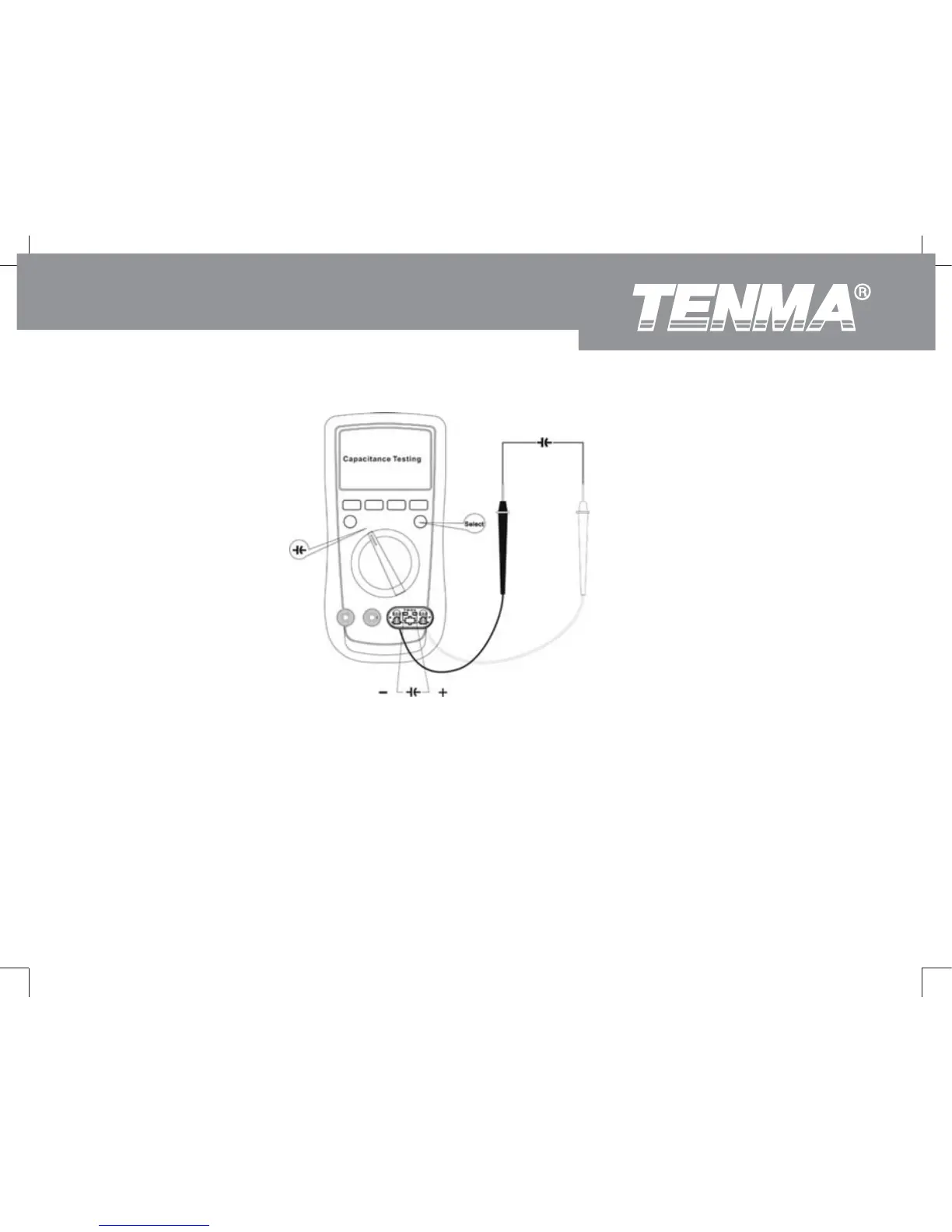
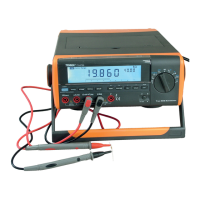
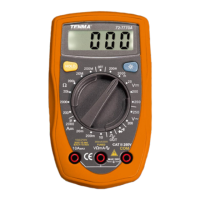
(Figure10)
Frequency Testing
To measure frequency, connect the Meter as follows:
1. nsert the red test lead into the I Hz terminal and the black test lead into the COM terminal.
2. Under AC/DC voltage, DC millivoltage or AC/DC current measurement, press Hz button to select
frequency measurement mode, the measured value shows on the display. Press RANGE to select
next range and the maximum range is 1MHz.
72-9280: OPERATING MANUAL



 To Next Page