79
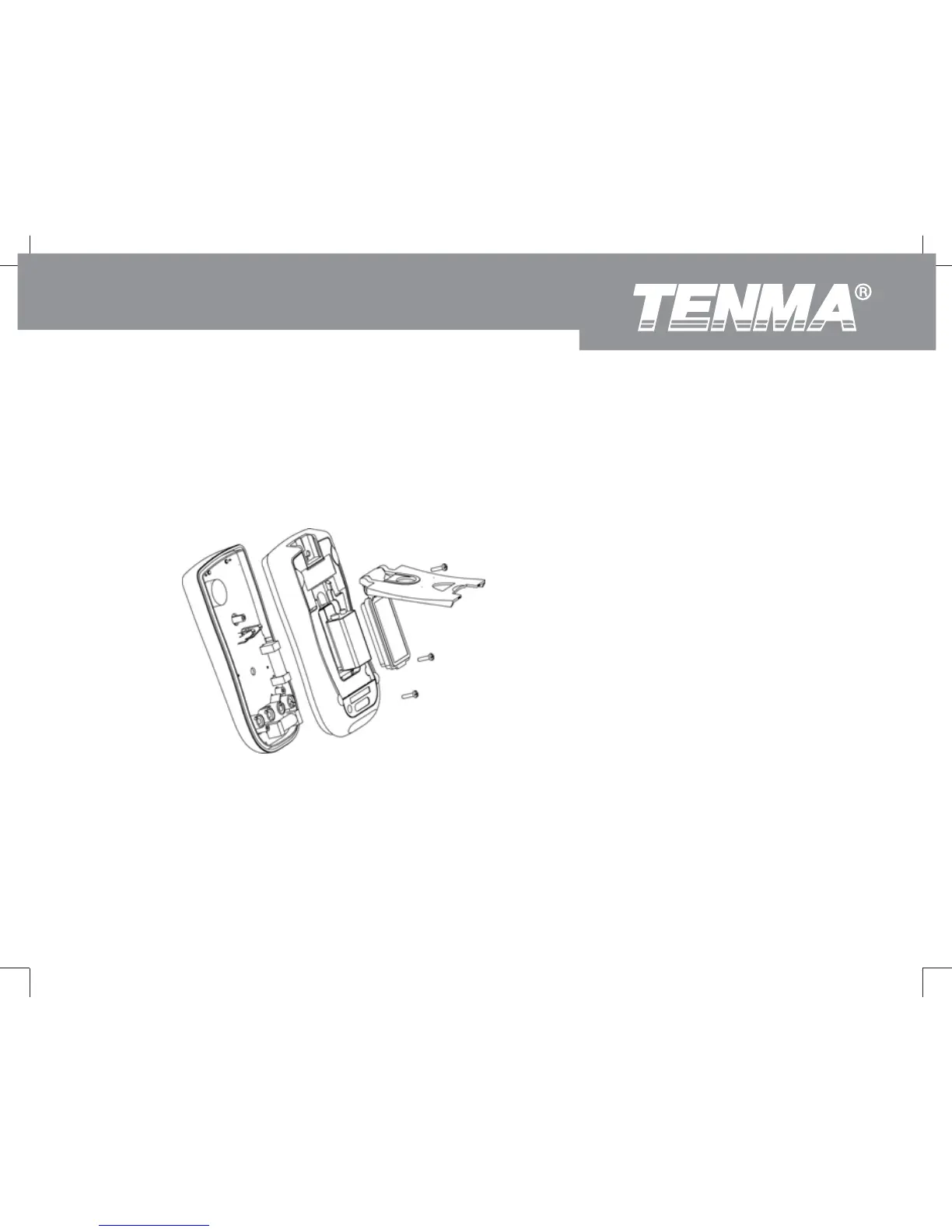
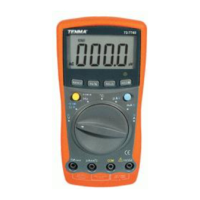
To replace the Meter’s battery:
1. Turn the Meter power off and remove all connections from the terminals.
2. Take the Meter out from the holster.
3. Remove the screw from the battery compartment and open the battery compartment.
4. Take out the battery and replace with a new 9V battery.
5. Rejoin the battery compartment and the case bottom, and reinstall the screw and the holster.
Figure 27
This operating manual is subject to change without notice.
72-9280: OPERATING MANUAL



 To Next Page