Telephoning with convenience
56
When you have something to say
Selecting and sending a prepared text message
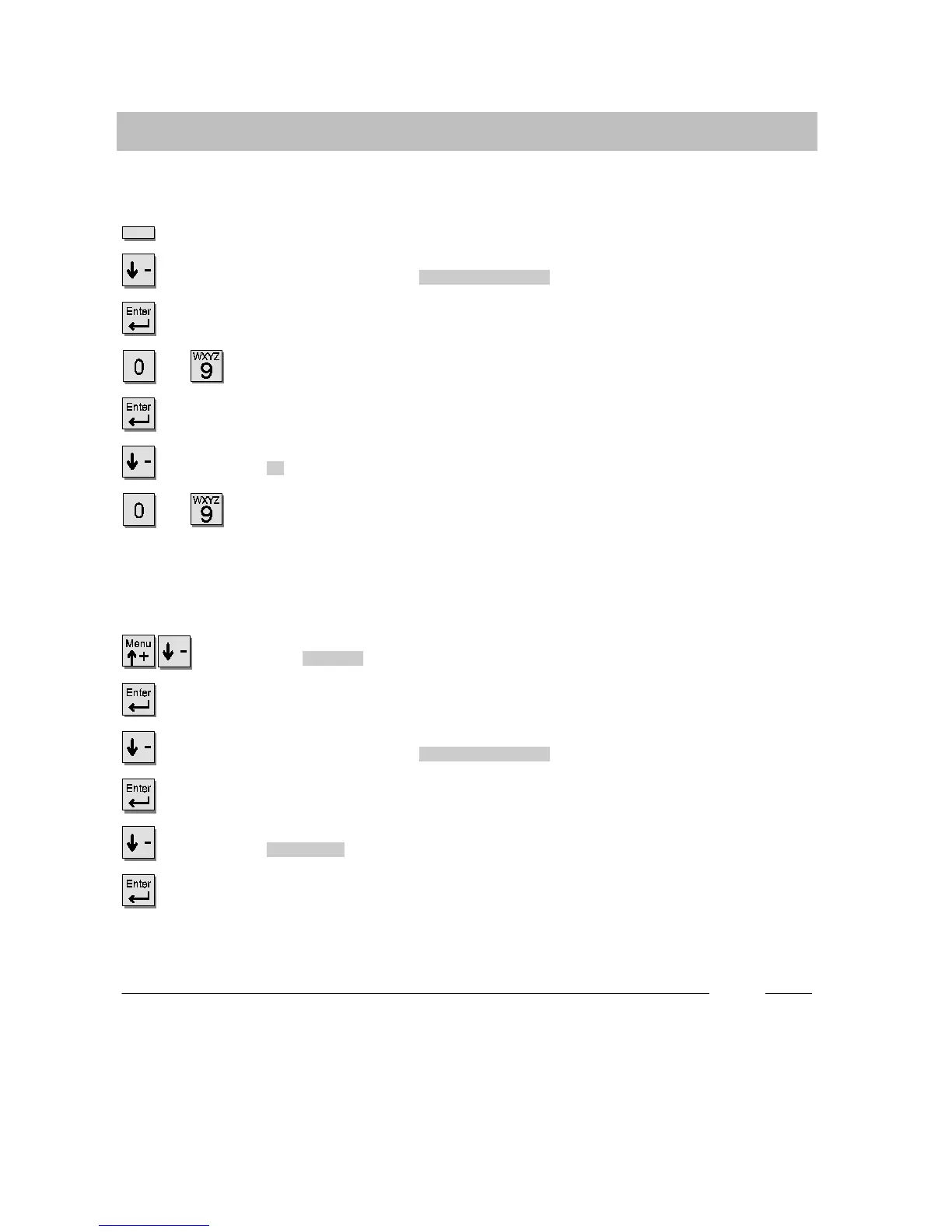
Press the Message key.
Scroll to the desired entry, e.g.
Timetogohome
.
Confirm your selection.
...
Complete the entry, e.g. enter the date and time.
Confirm the entry.
Scroll to the
On
menu item.
...
Enter the call number of the recipient. The message is sent off
immediately
.
Sending a text message to an internal caller
Scroll to the
Message
menu item.
Confirm your selection.
Scroll to the desired entry, e.g.
Timetogohome
.
Confirm your selection.
Scroll to the
To caller
menu item.
Confirm your selection. Every internal caller will now see this message dis-
played.
i
x
Selecting and sending prepared text messages is only possible if the system has
been set up to do so by Tenovis Service.
x
Sending a text message to an internal caller is only possible if the system has
been set up to do so by Ternovis Service. If a DSS-module has been connected
to your telephone, you can also enter message texts (Page 79).



 To Next Page