0000
INPUT PASSWORD
Note: Please only take the display operations mentioned in this
manual as a reference, as the actual interface may be slightly
different if the software gets updated later. If you have any
questions, please email support@tenways.com.
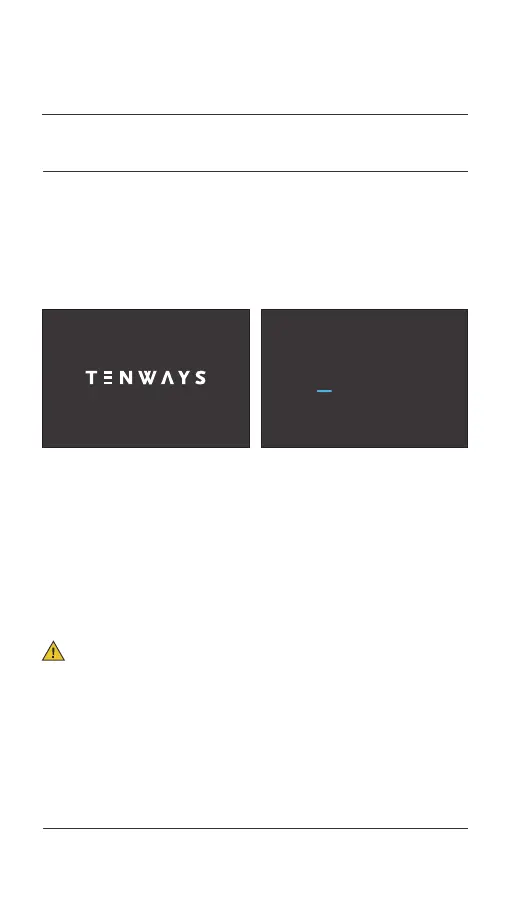
Press and hold the [Power] button to access the logo interface after 2s
and the password interface after another 2s (the default password is
0000). You can access the riding data interface after you enter the
correct
password. Press and hold the [Power] button to turn off the
display.
3.1 Turn the display on/off
03.
OPERATION METHODS
025 Display operations



 To Next Page