14
Use the key to set the required temper-
ature level. It is possible to set 5 tempera-
ture levels that correspond to a tempera-
ture range of 30 ... 60° C when measuring
the internal radiator temperature or a range
of 15 ... 30° C when measuring the room
temperature.
Each short press of the key increases the
temperature seng from 1 to 5, the next
press returns the seng to level 1, and so on.
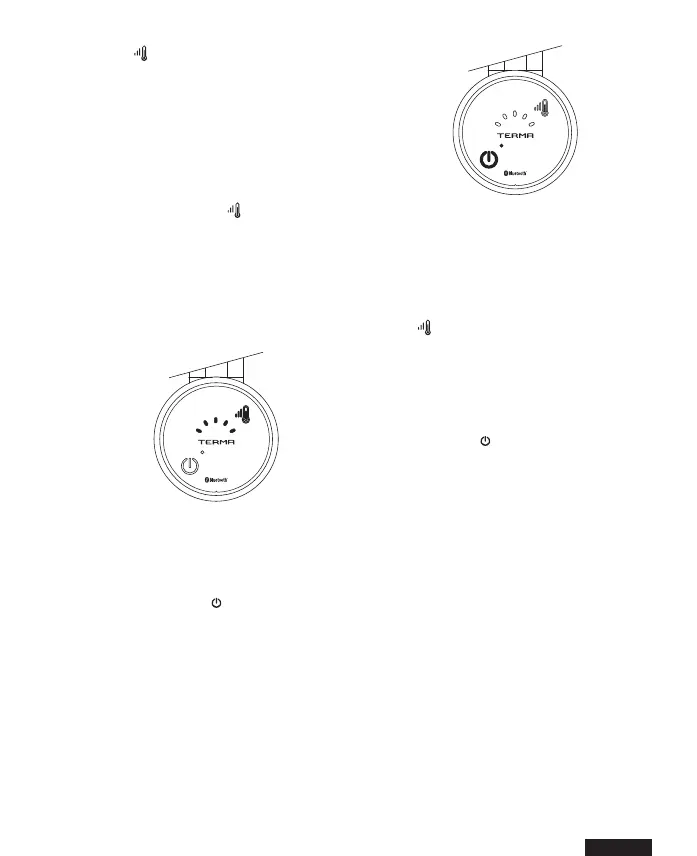
The number of lit up, blue diodes corre-
sponds to the selected temperature level
of the device.
TIMER mode
Press and hold the key to activate the
2 hour TIMER, i.e. to dry a towel or warm
up a room. Single RGB LED will turn red.
When the set me elapses, the heang el-
ement automacally returns to the sengs
from before the acvaon of the mer func-
on. With the TIMER funcon acve, you
can freely modify the operang tempera-
ture ( key).
If the heang element was switched o pri-
or to mer start-up, the unit will switch it-
self o automacally aer the me elapses.
Press briey the key to stop the mer func-
on at any me.
ANTI-FREEZE protecon
When the appliance is not in use (either o
or scheduled to be o) but remains connect-
ed to the mains and the temperature in the
vicinity of the temperature sensor drops be-
low 6° C, the heang element will automa-
cally switch itself on to prevent the heang
medium inside the radiator from freezing.
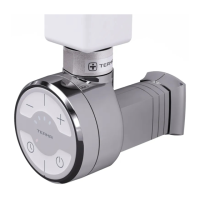
Activation of this function is signaled by
a ashing middle blue LED.


 To Next Page