13
4
Default settings
The modulators are supplied with the following default settings:
sec. 1 (preset 0.0) sec. 2 (preset 00.)
Out. ch. 36 (preset 36, indicator S does not glow) 38 (preset 38, indicator S does not glow)
dF 0 MHz 0 MHz
P/S 16 dB (preset 1.6) 16 dB (preset 16.)
Video test off (preset n.o) off (preset no.)
RF on/off on (preset o.n) on (preset on.)
RF level 0 dB (preset .0) 0 dB (preset 0.)
A. level 0 dB (preset .0) 0 dB (preset 0.)
A. mode (mt420C) mono (preset A.-) mono (preset A-.)
TV std. B/G (preset b.3) B/G (preset b3.)
The last selected parameters will remain in memory if the power is interrupted.
OPERATING
Changing of settings
The modulator has two modes of operating:
1. normal: sets after switch on;
Output channel can be selected in normal mode by pressing buttons ▼ or ▲ (see tables 2-8).
2. setting: to enter the setting mode press and hold ▼ and ▲ buttons simultaneously for 1 second, to exit setting mode press
and hold ▼ and ▲ buttons simultaneously for 1 second.
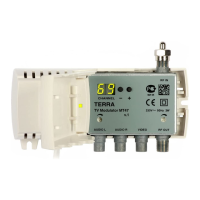
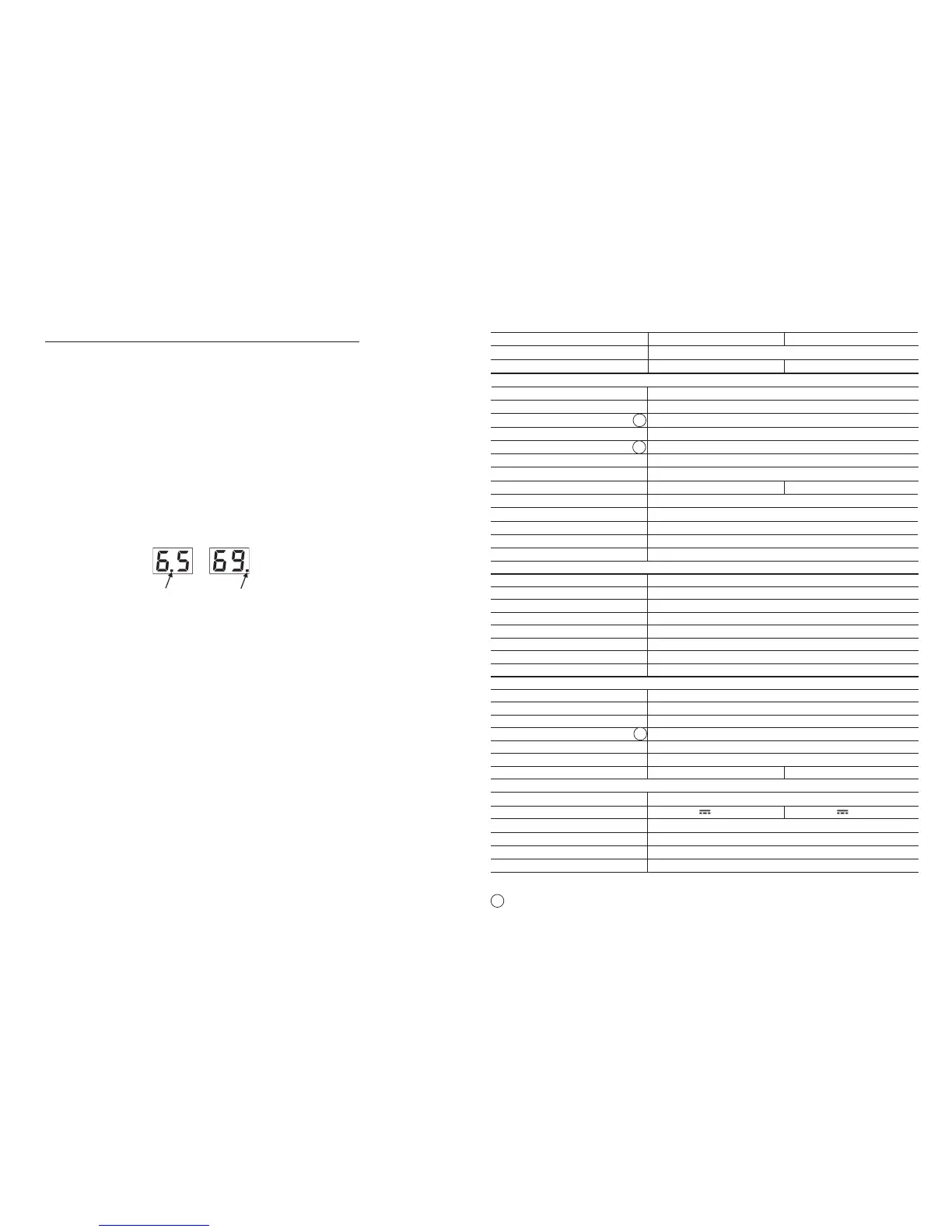
Section 1 or 2 can be selected in normal mode by pressing button "Enter" (for example: 6.5 - 1 section, output channel 65;
69. - 2 section, output channel 69), see Figure 7:
Position of glowing dot means which section is activated.
Figure 7.
Select necessary to change parameter by pressing button ▼ and set necessary mode by pressing ▲ button.
Can be change the following settings in the setting mode:
1. TV system setting:
a) after switching settings mode, indicator displays current TV system (see tables 2-8);
b) set necessary TV system by pressing ▲ button (see tables 2-8);
c) after TV system changing, modulator sets to rst channel of selected TV system (see tables 2-8), other settings
remains unchanged.
2. ne tuning of video carrier frequency:
a) press button ▼;
b) shift video carrier frequency by pressing button ▲ (see table 9).
3. picture/sound ratio switching:
a) press button ▼;
b) switching between 12 dB and 16 dB by pressing button ▲.
4. test pattern generator:
a) press ▼ button;
b) switching between OFF and ON by pressing button ▲, “no” - test pattern generator OFF, “t5” - test pattern generator ON.
5. output signal switching:
a) press button ▼;
b) switching between RF ON and RF OFF by pressing button ▲, “on” - RF ON, “oF” - RF OFF.
6. RF output signal level adjustment:
a) press button ▼;
b) RF signal level is changed from 0 to -10 dB by 1 dB step by pressing button ▲.
7. audio signal level:
a) press button ▼;
b) audio signal level is changed from +6 dB up to -6 dB by 2 dB step by pressing button ▲.
8. audio processing mode (for mt420C only):
a) press button ▼;
b) switching between A- (mono), AS (stereo), Ad (dual) by pressing button ▲.
LOCKING THE FRONT PANEL CONTROLS
To prevent unauthorized access press buttons ▼ and ▲ simultaneously twice in 0.5 sec. "LO" will briey be displayed.
To revert to normal operation, repeat above procedure. "UL" will briey be displayed. The symbol "LO" appears, if you try
to change settings in locked mode.
Range frequenza 110-862 MHz
TV standard B/G/D/K/I/L/Au B/G/D/K/Au stereo A2
RF output
Livello/impedenza 90 dBµV/ 75 Ω
Stabilità livello uscita ± 2 dB
Regolazione livello di uscita 0 ÷ -10 dB (by 1 dB step)
Stabilità portanti ± 20 kHz
Regolazione rapporto portanti 10/16 dB
Stabilità rapporto portanti ± 3 dB
IMD2/IMD3 livello spurie < -60 dB
Level spacing (PC/SC2*)
± 3 dB
C/N ratio ≥ 55 dB
Range miscelazione RF 47-2150 MHz
Passaggio DC, tensione (max.) 0.3 A 24 V
Attenuazione passaggio Terr/SAT 1.5/2.5 dB
Return loss ≥ 10 dB
Video
Livello di ingresso 1± 0.1 Vp-p
Impedenza di ingresso 75 Ω
Banda video 20 Hz ÷ 6 MHz
Guadagno differenziale 8 %
Fase differenziale ≤ 6
о
Risposta in frequenza del canale ± 1.5 dB (0.5 MHz÷ 5 MHz)
K-factor (2T pulse) ≤ 4 %
Rapporto S/N, ponderato ≥ 55 dB
Audio
Range frequenza 40 Hz÷15 kHz
Impedenza di ingresso > 10 kΩ
Preenfasi 50 µs
Regolazione livello audio +6 ÷ -6 dB (by 2 dB step)
Risposta in frequenza (ref. to 1 kHz) ± 2 dB
Rapporto S/N FM (fm=1 kHz:+f=50 kHz), peso ≥ 50 dB
Rapporto S/N AM (fm=1 kHz: m=60 %), standard L ≥ 47 dB -
Comuni


 To Next Page
 Loading...