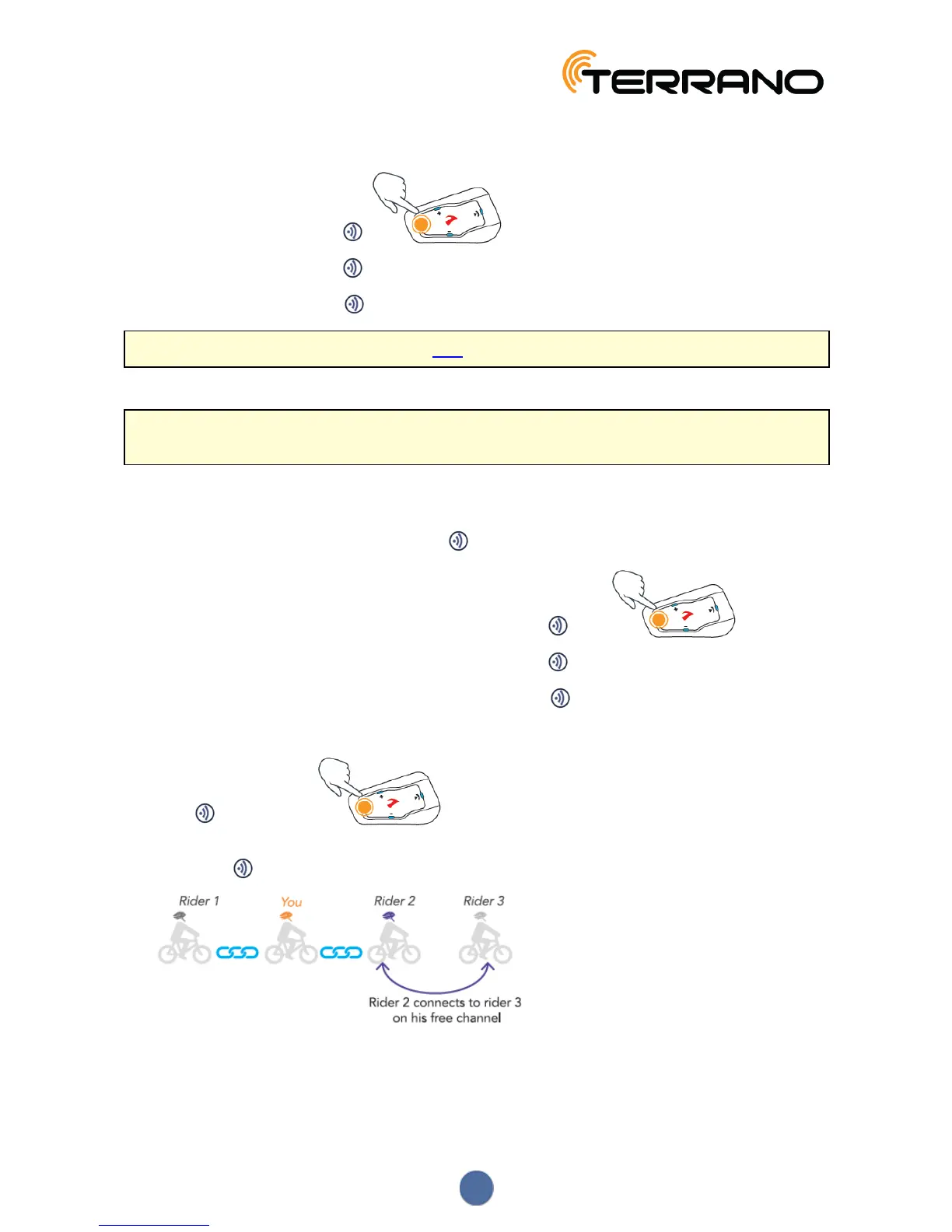
To end a Bluetooth intercom call:
● To disconnect Channel A, tap .
● To disconnect Channel B, tap 2 times.
● To disconnect Channel C, tap 3 times.
If you initiated the Bluetooth intercom call using VOX and remain silent for at least 30 seconds, the call ends.
4.2.3.2 MAKING 3-WAY OR 4-WAY BLUETOOTH INTERCOM CALLS
For recommendations on making Bluetooth intercom 3-way and 4-way calls and pairing units for Bluetooth
intercom calls, see Bluetooth Intercom on page 10.
To initiate a 3-way Bluetooth intercom call:
● Start a conference call:
● To start a call on Channels A and B, press for 2 seconds.
● To start a call on Channel A or add Channel A to a call, tap once.
● To start a call on Channel B or add Channel B to a call, tap 2 times.
● To start a call on Channel C or add Channel C to a call, tap 3 times.
To start a 4-way Bluetooth conference call:
1. Press for 2 seconds.
A Bluetooth intercom 3-way call with Rider 1 and Rider 3 starts.
2. Rider 2 taps . Rider 3 is added to the Bluetooth intercom call.
12


 To Next Page