3. The meter sensor needs about 10 minutes to stabilize in
still air, after that the readings can be considered
accurately. Moving the meter may decrease this
stabilization time.
6-2 Humidity Measurement
1. Press the “
” key to power on the meter.
2. The display will show the humidity reading value (% RH)
directly on the third display.
3. When humidity value of the tested environment changes,
please wait for few minutes to get the stable “ %RH ” reading.
6-3 Temperature Measurement
1. Press the “ ” key to power on the meter.
2. Press “℃ / ℉” button to select “℃” or “℉” unit.
3. The display will show the Temperature reading (℃ or ℉)
directly on the second display.
6-4 Dew Point Temperature Measurement
1. Press the “ ” key to power on the meter.
2. Press “ DEW ” key to display dew point temperature
reading on the second display, press “ DEW ” key again to
exit dew point temperature reading.
6-5 Wet Bulb Temperature Measurement
1. Press the “
” key to power on the meter.
2. Press “WET” key to display wet bulb temperature reading
on the second display. Press “WET” key again to exit the
display.
6-6 CO
2
Maximum and Minimum Recording Measurement
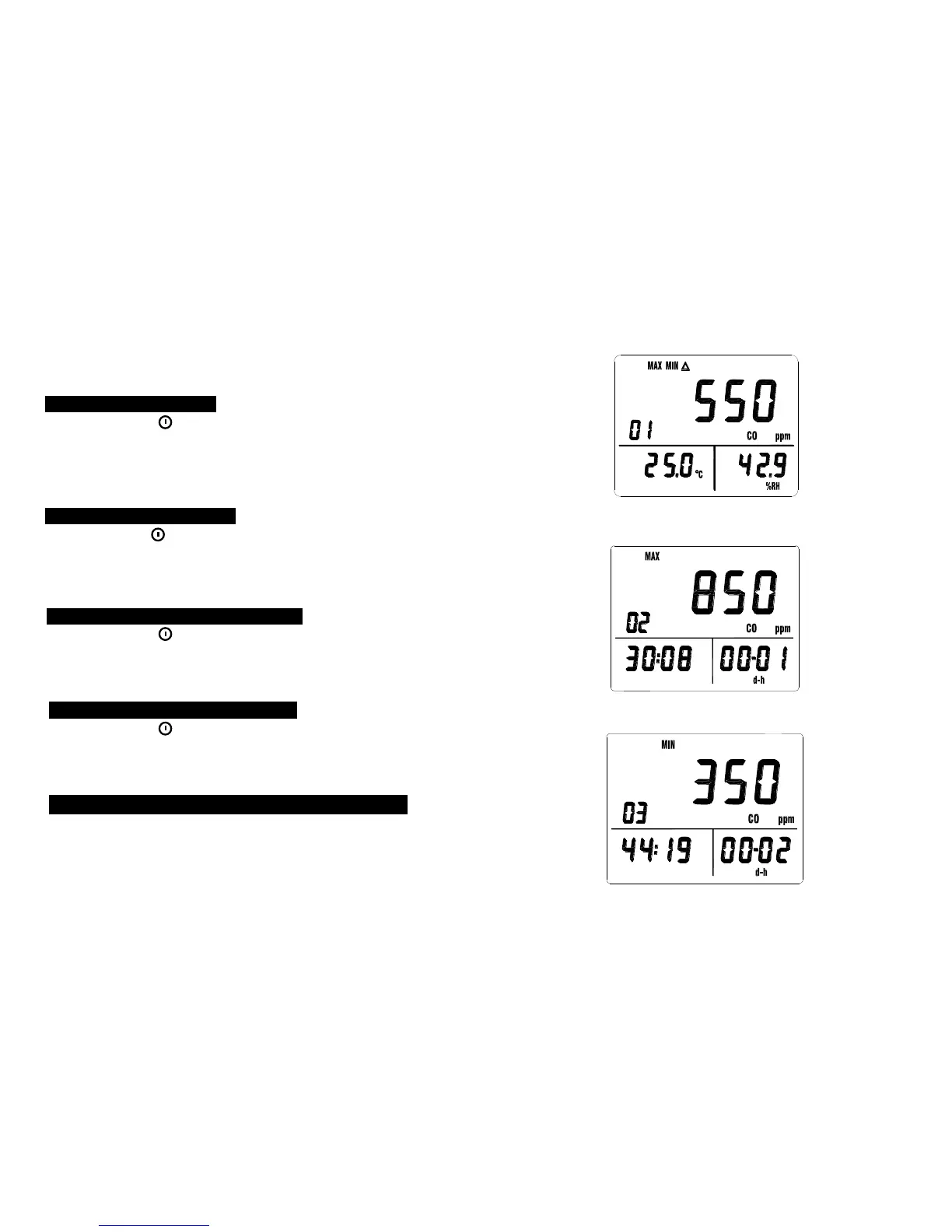
1. Press “MX/MN” key one time to enter maximum / minimum
recording mode, the “MAX” (maximum), “MIN” (minimum),
“△” (current) marks and the recorded values are displayed.
Press “MEM” key to memorize the display reading and
then press “READ” key to recall the reading again.
-8-



 To Next Page