-9-
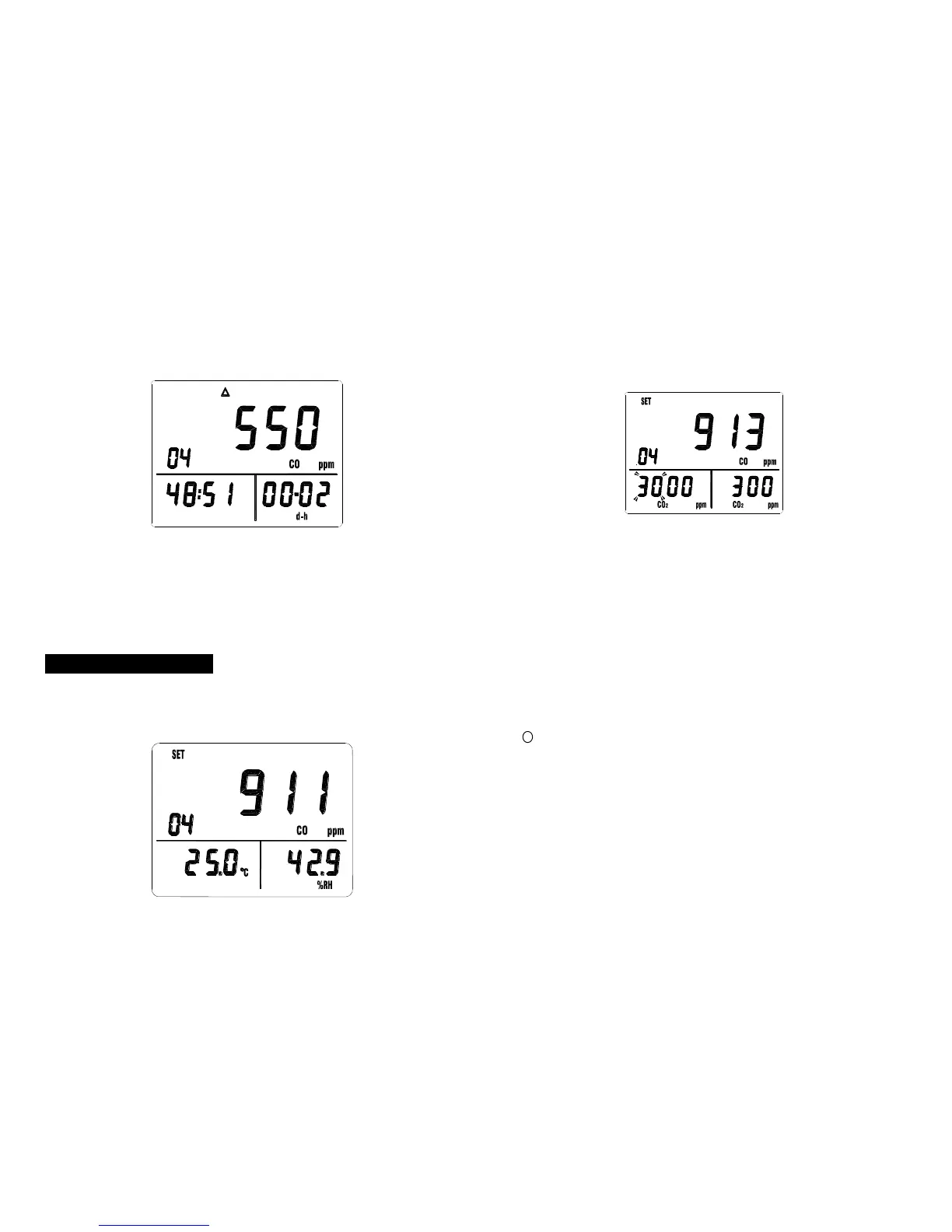
4. Press “MX/MN” key again, LCD displays the “△” mark,
current value and current time.
5. Press “MX/MN” key again will recycle procedure 2 to 4.
6. Press “” key to exit this mode. The meter does not
store these recorded readings, when exit this mode, all
previous data is lost. Press “MEM” key to memorize
these display readings before exit the MX/MN mode.
7. Press “TIME” key exit time display mode.
6-7 CO
2
Alarm Operation
1. To Set the Alarm Limit Values
Press “ALARM” key to turn on the alarm function, the
“ALM” mark, and current value are displayed.
-10-
Press “SET” key to enter High/Low limit value setting
mode, the “SET” mark is displayed and the left two digits
of the high limit value is flickering.
Press “” or “” key to set desired value.
Press “” key to move the flickering cursor to the right
two digits of the high limit value.
Press “” or “” key to set desired value.
Press “” key to move the flickering cursor to the left two
digits of the low limit value.
Press “” or “” key to set desired value.
Press “” key to move the flickering cursor to the right
two flicking digits of the low limit value.
Press “” or “” key to set desired value.
To change any setting, press “” or “” key to move the
flickering cursor to desired high or low limit value position.
Press “” key to store these setting and exit this mode.
2. To Turn-On and Turn-Off Alarm function
Press “ALARM” key to turn on the alarm function, the
“ALM” mark is displayed.
When the CO
2
value is below to the low limit value, the
“” mark is displayed and beep.
When the CO
2
value is upper to the high limit value, the
“” mark is displayed and beep.
To exit the ALARM function, press “ALARM” key again.



 To Next Page