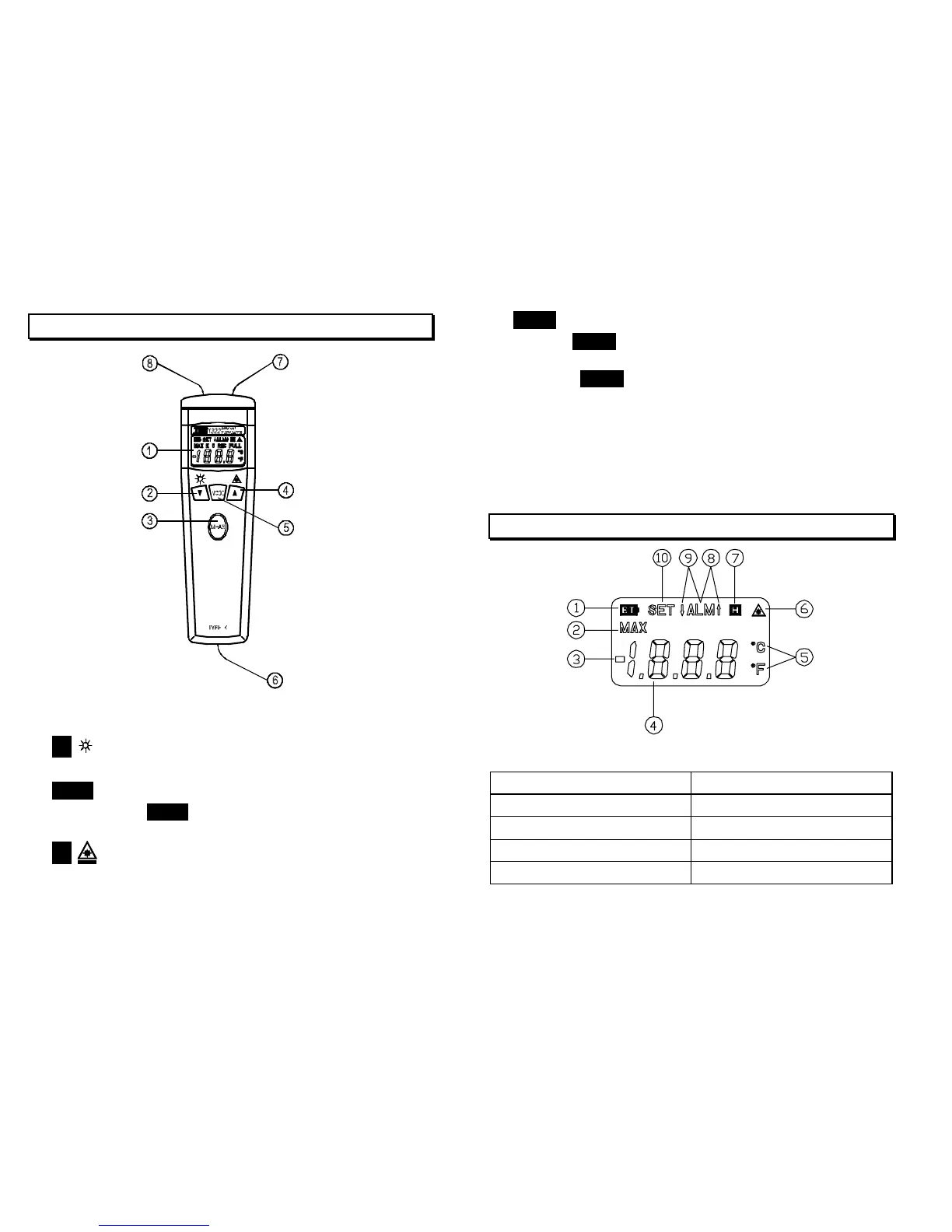
Ⅳ. FRONT PANEL DESCRIPTION
1. Display.
2.
: Backlight button.
3. MEAS : Button for powering on.
Press MEAS button to turn on the thermometer,
the Infrared Thermometer is selected.
4. : Laser pointer button.
6
5. MODE : Measuring mode and mode settings selection.
a). Press MODE button to select measuring mode.(Infrared
thermometer ↔ Type K thermometer)
b). Press MODE button for 3 seconds entering into the
mode settings.
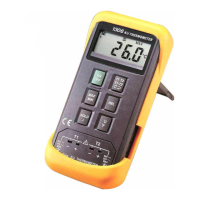
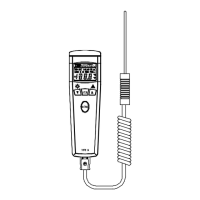
6. Type K input connector
7. Laser aperture
8. Focal lens
Ⅴ. LCD DISPLAY DESCRIPTION
1. Low battery mark. 6. Laser indicator
2. Maximum 7. Hold function
3. Negative polarity 8. Hi Alarm
4. Measure value 9. Lo Alarm
5. Unit “ ℃ , ℉ ”
10. SET symbols
7


 To Next Page