10
The bottom line of the display can be switched to show
dierent items of information that may be transmitted
with an FM station.
To change the display Mode
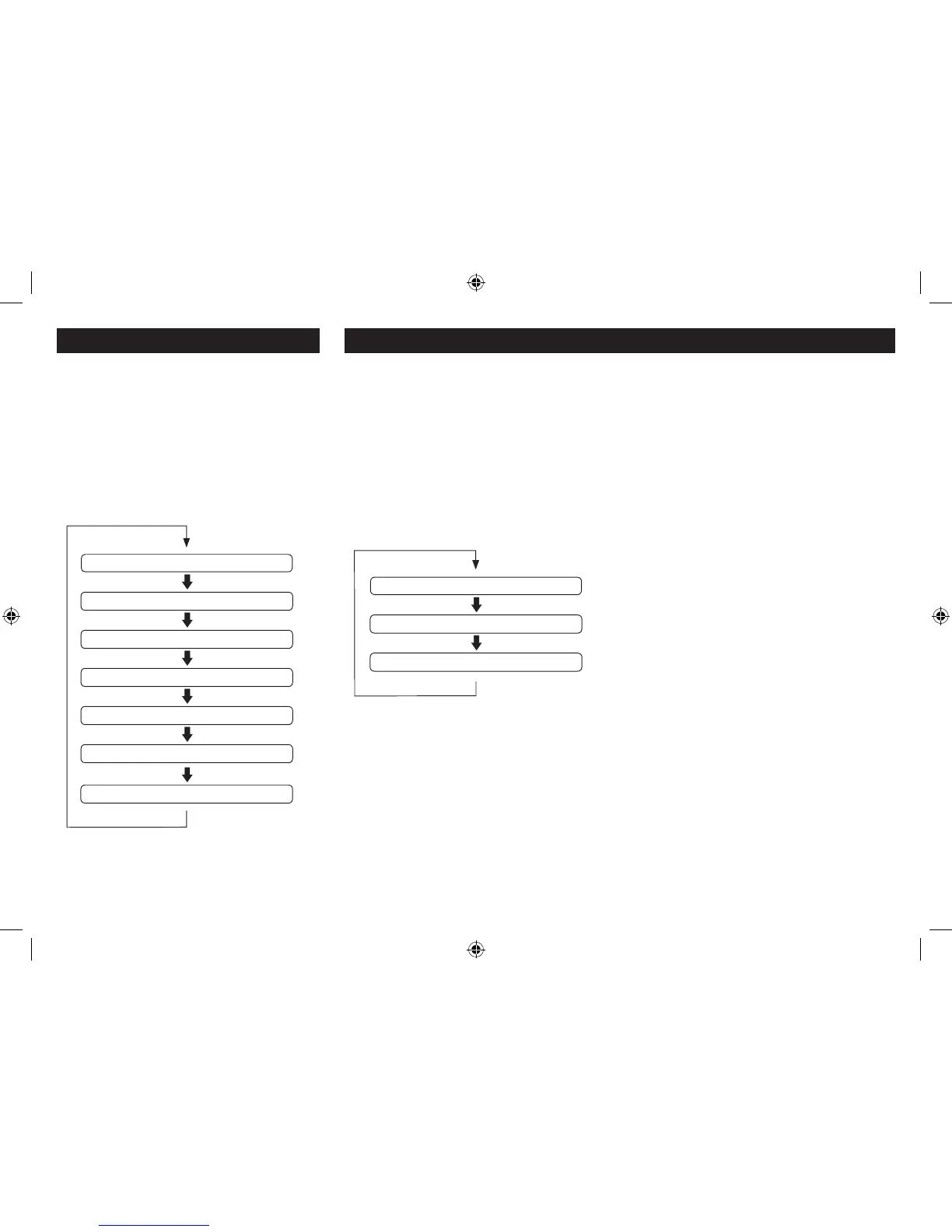
Press the Info/Menu button repeatedly to change the
information displayed while playing an FM radio station.
The full range of display options are shown. Some stations
may not broadcast all of these options.
FM SETTINGS MENU
There are also some menu settings that are specic to FM
radio operation. These settings may be changed through
the Settings Menu.
To Select the FM Settings Menu
Set to FM • Mode.
Press and • hold the Info/Menu button.
A map of the menu is shown below. The menu is navigated
in the same way as the DAB settings menu.
FM DISPLAY MODES
MORE DETAIL OF THE FM SETTINGS MENU OPTIONS
Scan Setting: With this menu option you can set the
scanning sensitivity of the FM radio to two dierent
levels- ‘Strong stations’ or ‘All stations’. Setting to ‘Strong
stations’ will exclude weaker stations resulting in a quicker
scan. If you set to ‘All stations’ the scan will stop at every
station detected, even if the signal is weak.
Audio Setting: This option enables you to set the radio
to ‘Forced Mono’ or ‘Stereo Allowed’. Setting Forced Mono
may be useful if the signal is weak and the broadcast is
in stereo.
System: The System sub-menu options are the same as
those described in the DAB settings section.
FM MENU OPTIONS
RDS Radiotext
Programme type
Frequency
Stereo/Mono
Power mode
Time
Scan setting
Audio setting
System setting
Date


 To Next Page