6
SELECTING A DAB STATION
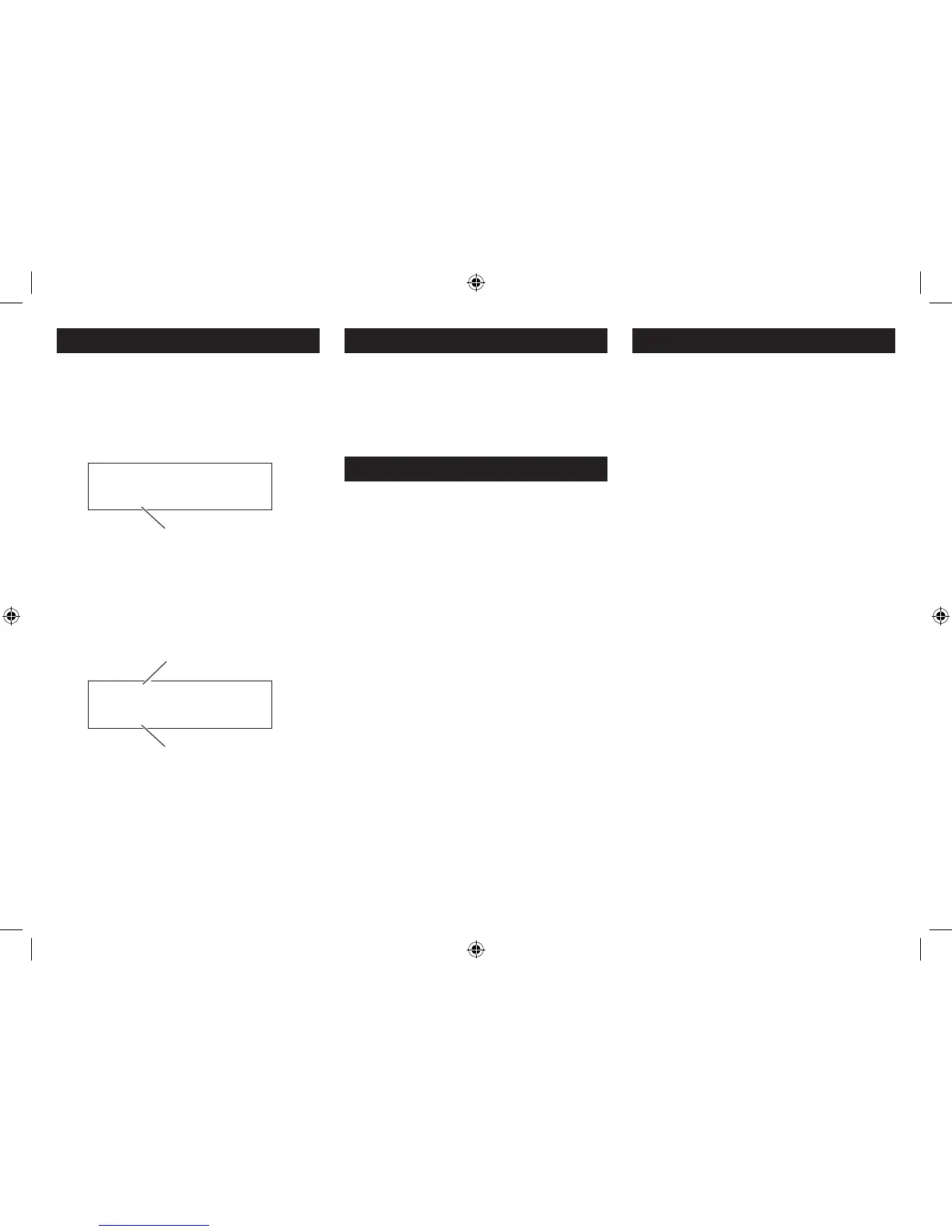
After scanning, the stations are stored in an alphanumeric
station list.
To select another station:
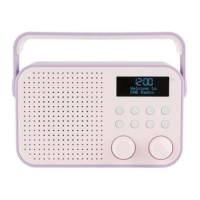
Turn the • SCROLL control repeatedly to the right or left
to step up or down the station list.
Station list
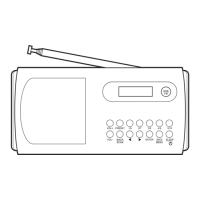
Press the • SELECT button to select the station
displayed.
The radio will re-tune to the new station.
The display will show the station name and DLS scrolling
information text.
Station name
Information text
ADJUSTING THE VOLUME
To adjust the volume:
Turn the • VOLUME control clockwise to increase or anti-
clockwise to decrease the volume.
The volume level will be displayed on a bargraph.
Your radio can also receive FM band radio stations.
To change between the DAB and FM bands:
Press the• MODE button.
The radio will change band and the station name (DAB) or
tuned frequency (FM) will be shown on the display.
DAB/FM BANDS
DAB SCANNING
When rst used, your radio scanned the DAB band for
available stations. The station services found were then
stored in your radio’s memory.
You can re-scan the band at any time if you move to a
dierent area or just to refresh the stored list of available
stations.
NOTE: On some occasions, when moving to a dierent
area, re-scanning may not fully update the station list. In
this case it may be necessary to reset your radio. (see the
‘FULL SCAN’ option in the ‘DAB SETTINGS MENU’ section).



 To Next Page