PLUGGING IN
NOTE: Always inspect the Mobile Connector for
damage prior to each use.
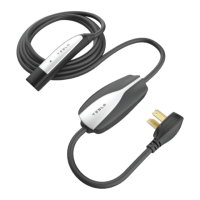
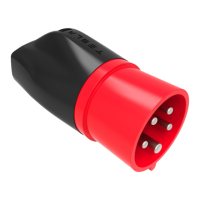
1 Ensure that the Mobile Connector’s adapter
matches the outlet you want to use. For
instructions on how to change the adapter,
see page 5.
2 Plug the Mobile Connector’s adapter into the
power outlet. Don’t hang the weight of the
adapter on the wall plug. The adapter should
be flush against the plug.
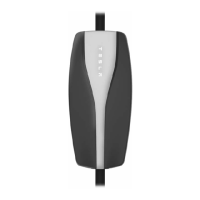
3 With your key nearby, press the button on
the top of the Mobile Connector. The charge
port door opens. NOTE: You can also use the
touchscreen to open the charge port door.
4 Plug in your Tesla vehicle.
When you plug the Mobile Connector into your
Tesla vehicle, the charge port pulses a green light
during charging, and the instrument panel
displays charging information.
UNPLUGGING
When charging is complete, the light around the
charge port stops pulsing and the light is solid
green.
1 Press and hold the button on the Mobile
Connector, wait for the latch to retract, then
pull the Mobile Connector out of the charge
port.
2 Push the charge port door closed.
3 Unplug the Mobile Connector from the power
outlet and store it in an appropriate location.
For more detailed information about charging,
refer to the owner documentation provided with
your Tesla vehicle.
How to Charge
Mobile Connector Rev 1.00.book Page 4 Friday, July 19, 2013 12:30 PM


 To Next Page
 Loading...