Need help?
Do you have a question about the Tesla MOBILE CONNECTOR - GEN 2 and is the answer not in the manual?
Contains important instructions and warnings for using the Mobile Connector.
Provides critical safety warnings regarding the use of the Mobile Connector, including fire and electrical shock risks.
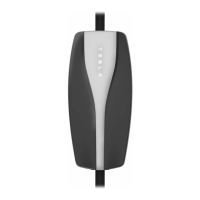
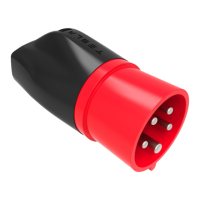
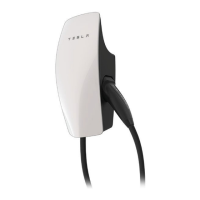
Illustrates and lists the main parts of the Mobile Connector, including adapter, handle, and controller.
Details voltage, current, frequency, dimensions, weight, and operating temperature of the Mobile Connector.
Explains how charging times vary and how to estimate them based on battery size and power.
Instructions on how to firmly grasp and pull the adapter from its socket to remove it.
Guidance on aligning the adapter with the controller and pushing it into the socket until it snaps.
Step-by-step guide on inspecting the connector, plugging into the outlet, and opening the charge port.
Procedure for safely disconnecting the Mobile Connector from the vehicle after charging is complete.
Refers to the vehicle Owner's Manual for detailed charging information, settings, and status.
Explains the normal conditions for Tesla logo lights during charging and how to identify problems.
Details green and red light combinations, their meanings, and recommended actions for troubleshooting.
Provides contact information and resources for technical support and home charging installation inquiries.
 General
| Max Current | 32A |
|---|---|
| Compatibility | All Tesla vehicles |
| Operating Temperature | -22°F to 122°F (-30°C to 50°C) |
| Cable Length | 20 feet |
| Connector Type | NEMA 5-15, NEMA 14-50 |
| Maximum Power | 7.7 kW |

 To Next Page