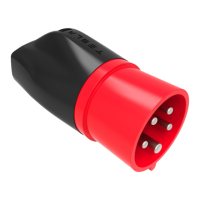
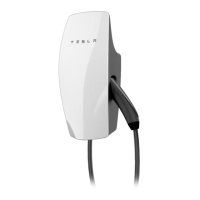
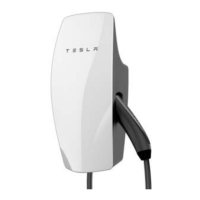
4. Plug the Mobile Connector handle into your Tesla vehicle.
5. When you plug the Mobile Connector into your vehicle, the charge port indicator light pulses
green during charging, and the touchscreen displays charging information. The touchscreen
turns
o after you close the last open door, and the charge port indicator light stops pulsing
after you lock the vehicle.
Unplugging
When charging is complete, the light stops pulsing and turns solid green.
1. With the vehicle unlocked, press and hold the button on the Mobile Connector handle, wait for
the charge port indicator light to turn white, and then pull the Mobile Connector out of the
charge port.
Note: To prevent unauthorized unplugging of the charge cable, the vehicle must be unlocked
or able to recognize a key nearby before you can disconnect the charge cable.
Note: Instead of pressing the button on the Mobile Connector, you can display the charging
screen on the touchscreen (touch the charging icon), and then touch Stop Charging, then
Unlock.
Note: When the latch in the charge port retracts, the Mobile Connector stops supplying power
and you can safely unplug it from the vehicle.
2. The charge port door automatically closes after you remove the charge cable.
Note: If your vehicle is not equipped with a motorized charge port door, you may need to
push the door closed.
Tesla recommends leaving the Mobile Connector plugged into the wall outlet to reduce wear
and tear from day-to-day use. If you do not plan to use the Mobile Connector for a while (such
as when you leave for vacation), unplug it, and store it in an appropriate location.
For More Information
For more detailed information on how to charge your vehicle (adjust charge settings, view
charging status, etc.), refer to the charging section in the vehicle Owner's Manual.
How to Charge
How to Charge 9


 To Next Page
 Loading...