Plugging In
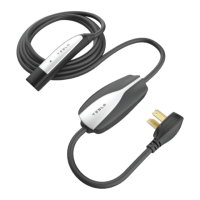
Note: Always inspect the Mobile Connector for damage prior to each use.
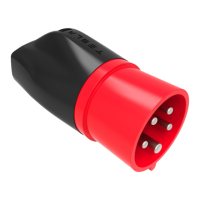
1. Ensure that the Mobile Connector’s adapter matches the outlet you want to use. For
instructions on how to change the adapter, see Changing the Adapter.
2. Plug the Mobile Connector’s into the power outlet. The adapter should be fully inserted into
the power outlet.
3. With your vehicle unlocked, press the button on the top of the Mobile Connector. The charge
port door opens.
Note: Your vehicle is unlocked when the key is nearby. You can also open the charge port door
using any of these methods:
• Touch Controls > Charge Port on the touchscreen.
• Touch the battery icon at the top of the touchscreen to display the Charging screen, then
touch Open Charge Port.
• Hold down the rear trunk button on the key for 1-2 seconds.
4. Plug in your Tesla vehicle.
5. When you plug the Mobile Connector into your vehicle, a light beside the charge port pulses
green during charging and the instrument panel displays charging information. The light turns
o soon after the vehicle is locked.
Note: The Mobile Connector is designed to stop supplying power in situations where excessive
strain is being applied to the charging cable.
Unplugging
When charging is complete, the light beside the charge port stops pulsing and the light is solid
green.
How to Charge
6






 To Next Page
