iPhone and iPad users
iPhone and iPad
10
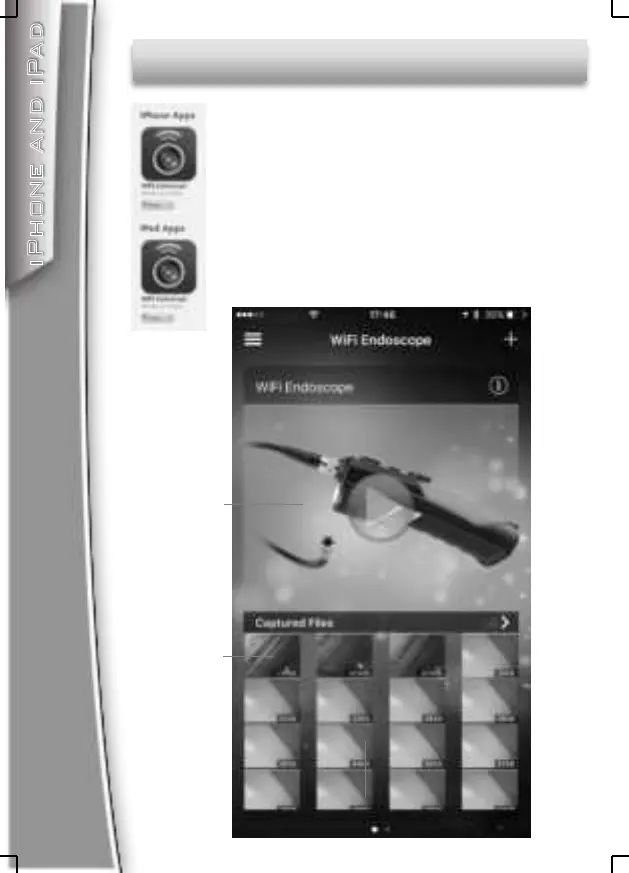
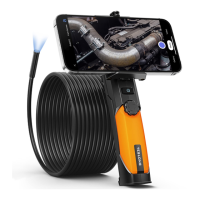
Search” WiFi Endoscope” on
iTunes Store and install the app.
Enter “Settings”-”Wi-Fi settings” and search
the SSID:”WiFi_Endoscope”, connect to it
with password:00000000
Run the app and click on the play button, then
you can see the live video.
Click here to
see the video
Photo and video album
Captured
Photos and
Videos


 To Next Page