Android smartphone users
Android
11
Enter “Settings”-”Wi-Fi settings” and search the SSID
”WiFi_Endoscope”, connect to it with password:00000000
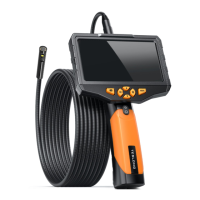
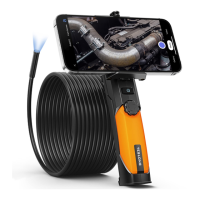
Run the app and select” Wifi Endoscope”, then you can see
the live video in Preview area.
Preview area
Take photo Record video
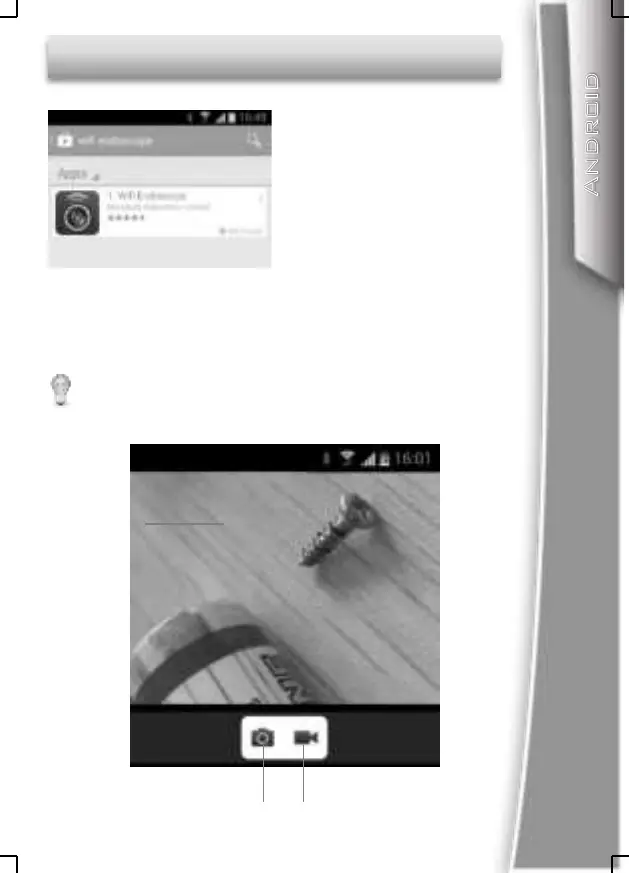
Search ”WiFi Endoscope”
On Google Play Store and
install the app.
Please do not select the check box of” Check for Internet
service” in the advanced Wi-Fi settings menu.


 To Next Page